


Unity系と各OS向けのSDKはあるのだけど、あんまり存在意義がわからない。センサ系のアタッチに必要なのかな。表示オブジェクトのヘッドトラッキングとかができる模様。
VITURE: Next Gen XR Glasses | VITURE
https://www.viture.com/developer
SDK以外にも、SpaceWalkerっていう、VITURE公式のXRグラス用アプリ環境があるみたい。
macOS版では、VITUREグラスを単なる外部ディスプレイとして使うだけでなく、たとえば以下ができるらしい。
・頭の動きに合わせた 3DoFヘッドトラッキング
・仮想的な マルチディスプレイ
・横長の ウルトラワイド画面
・仮想画面を空間内に固定するような表示
・2D映像の3D変換
ダウンロードは、ここからできる。
SpaceWalker & VITURE AR/XR Glasses Apps | Download Center | VITURE
https://www.viture.com/academy/download
なんだ、アイコンに通行止めマークついてる。
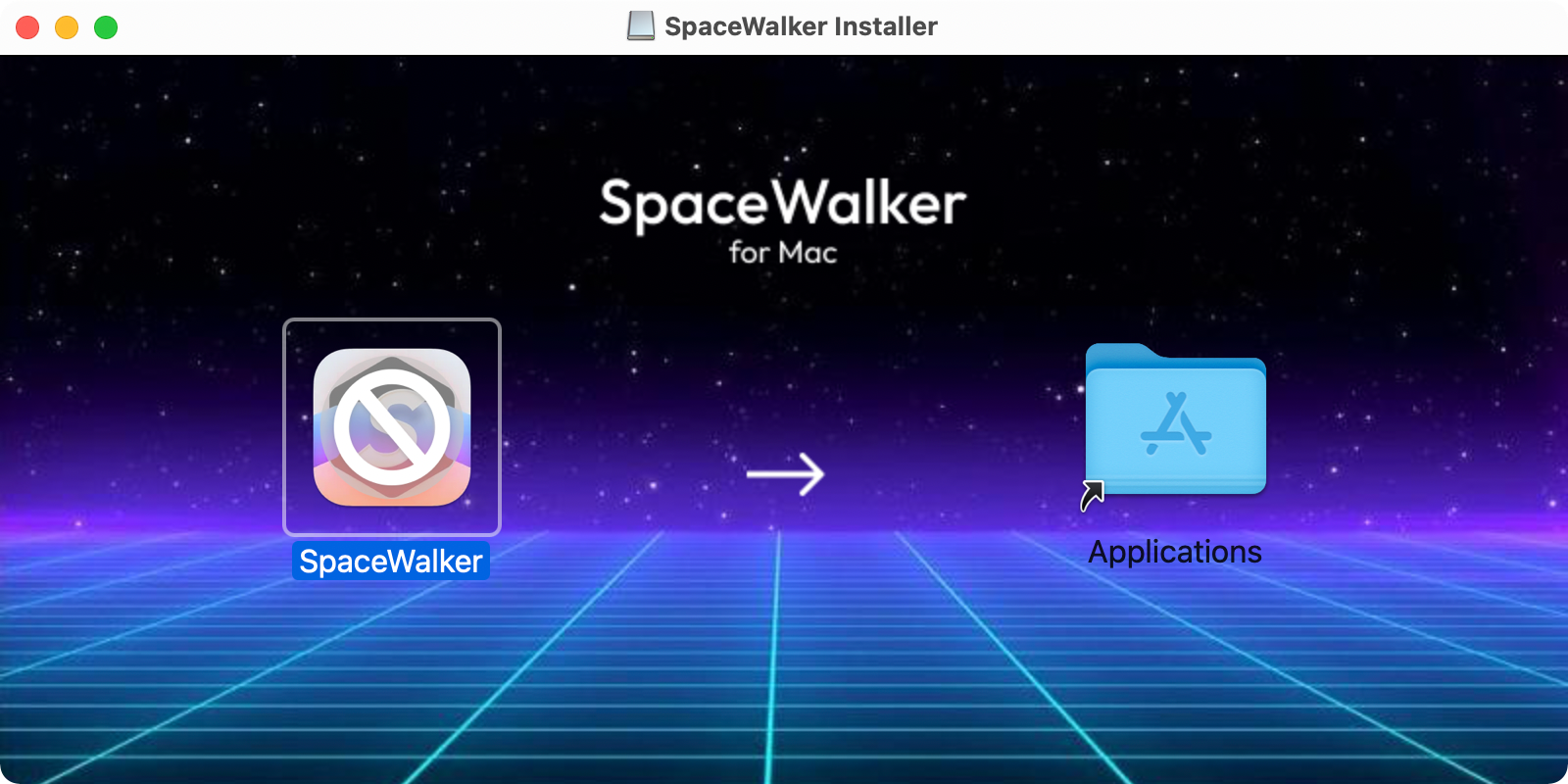
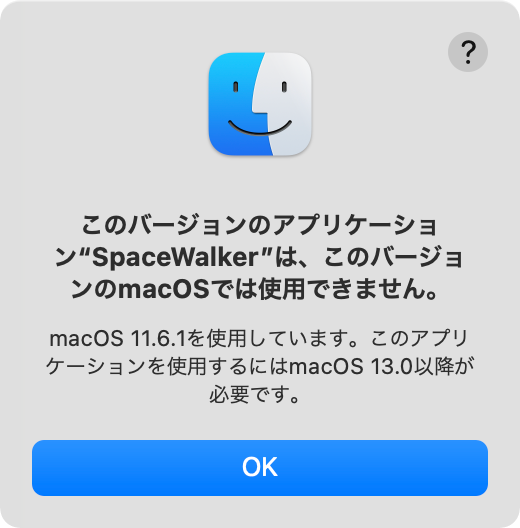
あー、OSが対応できない古さの悲しみ。まぁ、古過ぎるmacOS 11.6.1使っているのが悪いよね。
とりあえず、UVCカメラは認識しているので、見えているmacOSのデスクトップを操作するのに、カメラからのゼスチャ認識をやりたい。
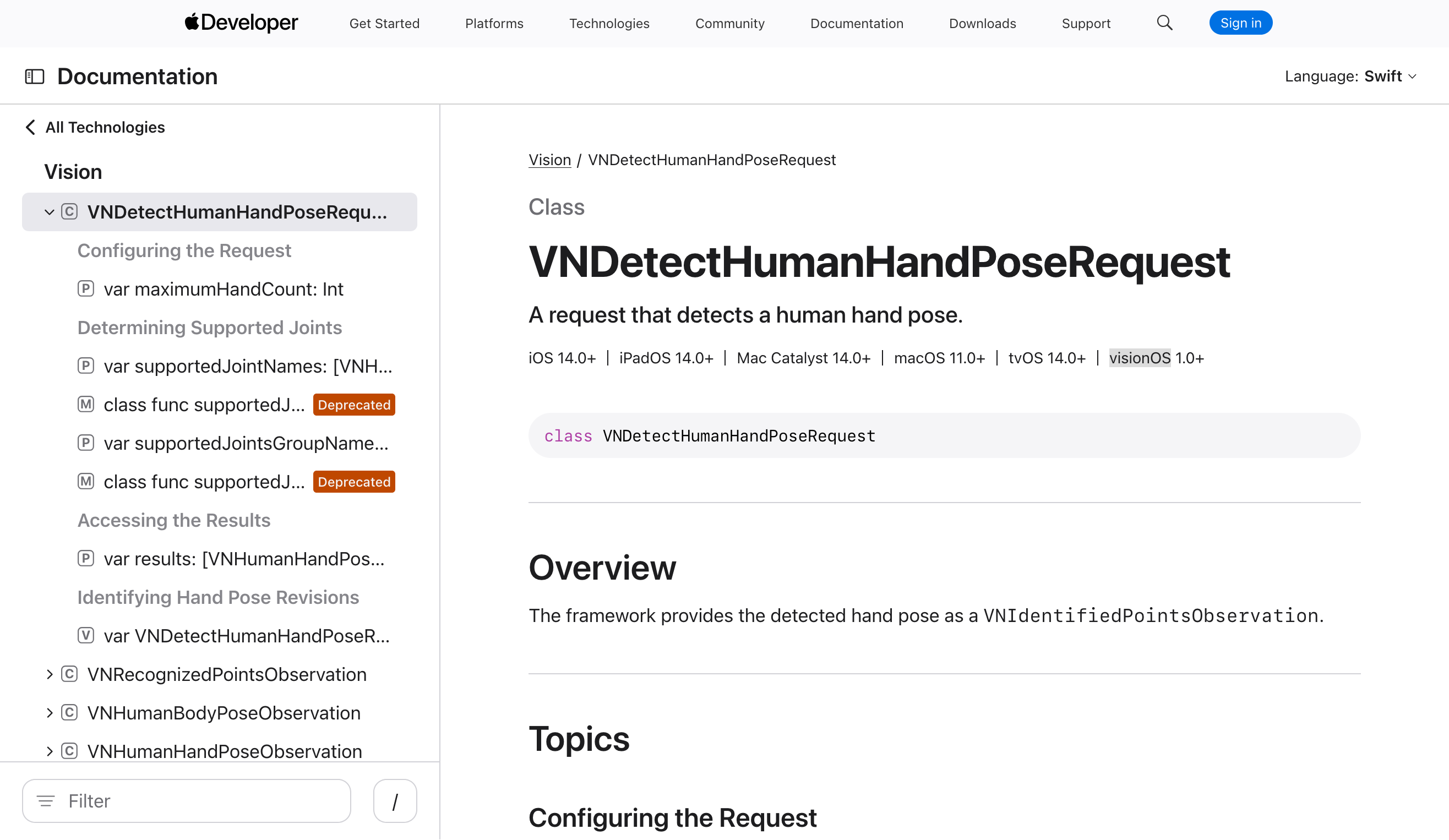
Glasses SDKを使わずに、macOSでハンドトラッキングするには、visionOSで追加されたVNDetectHumanHandPoseRequestクラスがある。これはmacOS 11.0以降対応なので、これを使おう。今はぜんぜん使ってないけど、いっぱいあるIntel Macでも古いOSでも動くしね。
VNDetectHumanHandPoseRequest | Apple Developer Documentation
https://developer.apple.com/documentation/vision/vndetecthumanhandposerequest
カメラが見えているか確認。
% system_profiler SPCameraDataType
2026-09-05 22:07:15.782 system_profiler[7719:13799749] Error loading /Library/CoreMediaIO/Plug-Ins/DAL/obs-mac-virtualcam.plugin/Contents/MacOS/obs-mac-virtualcam:  dlopen(/Library/CoreMediaIO/Plug-Ins/DAL/obs-mac-virtualcam.plugin/Contents/MacOS/obs-mac-virtualcam, 0x0106): missing compatible arch in /Library/CoreMediaIO/Plug-Ins/DAL/obs-mac-virtualcam.plugin/Contents/MacOS/obs-mac-virtualcam
Camera:

USB 2.0 Camera:

Model ID: UVC Camera VendorID_3141 ProductID_25451
Unique ID: 0x11200000c45636b

FaceTime HD Camera:

Model ID: Apple Camera VendorID_0x106B ProductID_0x000B
Unique ID: EAB7A68FEC2B4487AADFD8A91C1CB782


% ffmpeg -f avfoundation -list_devices true -i ""

ffmpeg version 6.0 Copyright (c) 2000-2023 the FFmpeg developers
built with Apple clang version 13.0.0 (clang-1300.0.29.30)
configuration: --prefix=/opt/homebrew/Cellar/ffmpeg/6.0 --enable-shared --enable-pthreads --enable-version3 --cc=clang --host-cflags= --host-ldflags= --enable-ffplay --enable-gnutls --enable-gpl --enable-libaom --enable-libaribb24 --enable-libbluray --enable-libdav1d --enable-libmp3lame --enable-libopus --enable-librav1e --enable-librist --enable-librubberband --enable-libsnappy --enable-libsrt --enable-libsvtav1 --enable-libtesseract --enable-libtheora --enable-libvidstab --enable-libvmaf --enable-libvorbis --enable-libvpx --enable-libwebp --enable-libx264 --enable-libx265 --enable-libxml2 --enable-libxvid --enable-lzma --enable-libfontconfig --enable-libfreetype --enable-frei0r --enable-libass --enable-libopencore-amrnb --enable-libopencore-amrwb --enable-libopenjpeg --enable-libspeex --enable-libsoxr --enable-libzmq --enable-libzimg --disable-libjack --disable-indev=jack --enable-videotoolbox --enable-audiotoolbox --enable-neon
libavutil      58.  2.100 / 58.  2.100
libavcodec     60.  3.100 / 60.  3.100
libavformat    60.  3.100 / 60.  3.100
libavdevice    60.  1.100 / 60.  1.100
libavfilter     9.  3.100 /  9.  3.100
libswscale      7.  1.100 /  7.  1.100
libswresample   4. 10.100 /  4. 10.100
libpostproc    57.  1.100 / 57.  1.100
[AVFoundation indev @ 0x122f0edc0] AVFoundation video devices:
[AVFoundation indev @ 0x122f0edc0] [0] OBS Virtual Camera
[AVFoundation indev @ 0x122f0edc0] [1] USB 2.0 Camera
[AVFoundation indev @ 0x122f0edc0] [2] FaceTime HD Camera
[AVFoundation indev @ 0x122f0edc0] [3] Capture screen 0
[AVFoundation indev @ 0x122f0edc0] [4] Capture screen 1
[AVFoundation indev @ 0x122f0edc0] AVFoundation audio devices:
[AVFoundation indev @ 0x122f0edc0] [0] VITURE Microphone
[AVFoundation indev @ 0x122f0edc0] [1] 機器セット
[AVFoundation indev @ 0x122f0edc0] [2] BlackHole 2ch
[AVFoundation indev @ 0x122f0edc0] [3] MacBook Proのマイク
[AVFoundation indev @ 0x122f0edc0] [4] Microsoft Teams Audio
: Input/output error
最後に出ているエラーは、「-list_devices true -i ""」でデバイス一覧だけを取得したために出るもので、異常ではない。
まず画面に手の認識状態を出すSwift製の最小CLIプログラムを作ってみる。こんな感じで出ればいいかな。手があるかと、場所と、指確認と、つまんでいるかのチェック。
Hand detected
index:  x=0.42 y=0.71
thumb:  x=0.39 y=0.68
pinch:  YES
こんな感じ。
% cd Downloads/viture_hand_probe
% cat build.sh
#!/bin/zsh
set -eu

swiftc main.swift \
-o viture-hand-probe \
-framework AVFoundation \
-framework Vision \
-framework CoreMedia \
-framework CoreVideo \
-Xlinker -sectcreate \
-Xlinker __TEXT \
-Xlinker __info_plist \
-Xlinker Info.plist

echo "built: ./viture-hand-probe"
% cat main.swift
import Foundation
import AVFoundation
import Vision
import CoreMedia

final class HandPoseDetector: NSObject, AVCaptureVideoDataOutputSampleBufferDelegate {
func captureOutput(_ output: AVCaptureOutput,
didOutput sampleBuffer: CMSampleBuffer,
from connection: AVCaptureConnection) {
guard let pixelBuffer = CMSampleBufferGetImageBuffer(sampleBuffer) else {
return
}

// This delegate runs on a dedicated serial queue. Vision is intentionally
// performed synchronously here; alwaysDiscardsLateVideoFrames prevents a
// backlog when hand-pose inference is slower than the camera frame rate.
let request = VNDetectHumanHandPoseRequest()
request.maximumHandCount = 1

let handler = VNImageRequestHandler(cvPixelBuffer: pixelBuffer,
orientation: .up,
options: [:])
do {
try handler.perform([request])
} catch {
fputs("Vision error: \(error)\n", stderr)
return
}

guard let observation = request.results?.first else {
print("no hand")
return
}

do {
let thumb = try observation.recognizedPoint(.thumbTip)
let index = try observation.recognizedPoint(.indexTip)
let middle = try observation.recognizedPoint(.middleTip)
let wrist = try observation.recognizedPoint(.wrist)
let indexMCP = try observation.recognizedPoint(.indexMCP)
let pinkyMCP = try observation.recognizedPoint(.littleMCP)

let minConfidence: VNConfidence = 0.25
guard thumb.confidence >= minConfidence,
index.confidence >= minConfidence,
wrist.confidence >= minConfidence,
indexMCP.confidence >= minConfidence,
pinkyMCP.confidence >= minConfidence else {
print("hand detected, but key points are low-confidence")
return
}

let pinchDistance = hypot(index.location.x - thumb.location.x,
index.location.y - thumb.location.y)

// Normalize by palm width so pinch threshold is less sensitive
// to how close the hand is to the camera.
let palmWidth = max(
hypot(indexMCP.location.x - pinkyMCP.location.x,
indexMCP.location.y - pinkyMCP.location.y),
0.001
)
let pinchRatio = pinchDistance / palmWidth
let pinching = pinchRatio < 0.45

let middleText: String
if middle.confidence >= minConfidence {
middleText = String(format: " middle=(%.3f, %.3f)",
middle.location.x, middle.location.y)
} else {
middleText = ""
}

print(String(format:
"index=(%.3f, %.3f) thumb=(%.3f, %.3f)%@ pinchRatio=%.3f pinch=%@",
index.location.x, index.location.y,
thumb.location.x, thumb.location.y,
middleText,
pinchRatio,
pinching ? "YES" : "NO"
))
} catch {
print("point extraction error: \(error)")
}
}
}

func requestCameraAccess() -> Bool {
switch AVCaptureDevice.authorizationStatus(for: .video) {
case .authorized:
return true
case .notDetermined:
let sem = DispatchSemaphore(value: 0)
var allowed = false
AVCaptureDevice.requestAccess(for: .video) { granted in
allowed = granted
sem.signal()
}
sem.wait()
return allowed
case .denied, .restricted:
return false
@unknown default:
return false
}
}

func findVitureCamera() -> AVCaptureDevice? {
let discovery = AVCaptureDevice.DiscoverySession(
deviceTypes: [.externalUnknown, .builtInWideAngleCamera],
mediaType: .video,
position: .unspecified
)

// Prefer the name currently reported by macOS for the Luma Ultra camera.
if let exact = discovery.devices.first(where: { $0.localizedName == "USB 2.0 Camera" }) {
return exact
}

// Fallback: any external camera before the built-in FaceTime camera.
if let external = discovery.devices.first(where: {
$0.localizedName.localizedCaseInsensitiveContains("USB") ||
!$0.localizedName.localizedCaseInsensitiveContains("FaceTime")
}) {
return external
}

return nil
}

guard requestCameraAccess() else {
fputs("Camera access denied. Enable camera access for Terminal (or the app launching this executable) in System Preferences > Security & Privacy > Privacy > Camera.\n", stderr)
exit(1)
}

guard let camera = findVitureCamera() else {
fputs("USB 2.0 Camera was not found.\n", stderr)
exit(2)
}

print("Using camera: \(camera.localizedName)")

let session = AVCaptureSession()
session.beginConfiguration()

if session.canSetSessionPreset(.hd1280x720) {
session.sessionPreset = .hd1280x720
}

let input: AVCaptureDeviceInput
do {
input = try AVCaptureDeviceInput(device: camera)
} catch {
fputs("Failed to create camera input: \(error)\n", stderr)
exit(3)
}

guard session.canAddInput(input) else {
fputs("Cannot add camera input.\n", stderr)
exit(4)
}
session.addInput(input)

let output = AVCaptureVideoDataOutput()
output.alwaysDiscardsLateVideoFrames = true
output.videoSettings = [
kCVPixelBufferPixelFormatTypeKey as String: Int(kCVPixelFormatType_32BGRA)
]

let detector = HandPoseDetector()
let captureQueue = DispatchQueue(label: "viture.handpose.capture")
output.setSampleBufferDelegate(detector, queue: captureQueue)

guard session.canAddOutput(output) else {
fputs("Cannot add video output.\n", stderr)
exit(5)
}
session.addOutput(output)
session.commitConfiguration()

session.startRunning()
print("Hand tracking started. Press Ctrl-C to stop.")

RunLoop.main.run()
ビルドする。
% ./build.sh
built: ./viture-hand-probe
実行してみる。
% ./viture-hand-probe
デバイスへのアクセス許可が出る。
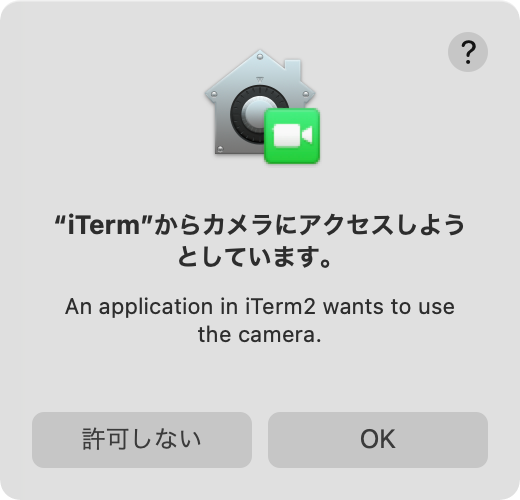
ログがダラダラと流れてくるので、カメラの視野に入るようにして、画角の中に手を入れたり、ひらひらさせたり、指ひろげたり、すぼめたり、二本でピンチしたりしてみる。
% ./viture-hand-probe
Using camera: USB 2.0 Camera
Hand tracking started. Press Ctrl-C to stop.
no hand
index=(0.550, 0.840) thumb=(0.883, 0.744) middle=(0.454, 0.710) pinchRatio=2.546 pinch=NO
index=(0.668, 0.774) thumb=(0.772, 0.684) pinchRatio=0.400 pinch=YES
index=(0.920, 0.610) thumb=(0.911, 0.789) middle=(0.841, 0.439) pinchRatio=0.436 pinch=YES
hand detected, but key points are low-confidence
index=(0.522, 0.335) thumb=(0.554, 0.393) pinchRatio=0.243 pinch=YES
no hand
no hand
index=(0.802, 0.124) thumb=(0.798, 0.202) middle=(0.844, 0.166) pinchRatio=1.349 pinch=NO
一応とれるけど、精度がイマイチだな。
一応動くのだけど、結果をもとに操作感のチューニングをやってみるけれど、とても難しい...
macのトラックパッドと同じように、人差し指でカーソル移動、二本指並んでいるとスクロール、親指と人差し指でタップ、ダブルタップを割り当ててみる。
・人差し指1本 → カーソル移動
・人差し指+中指を並べる → 2本指スクロール
・親指+人差し指を短くピンチして離す → タップ=左クリック
・短いピンチを2回 → ダブルタップ=ダブルクリック
・親指+人差し指を一定時間閉じたまま移動 → ドラッグ
やってみたけど、手を持ち上げてずっと操作するのは、かなり面倒なので、他の方法を考えないといけない。これは、VRとかARのときと同じ結論だね。わかってたけどやってみただけw
やっぱり、なんか手に持つ操作デバイスがいるよな。なんか手配するか。
画面を表示しながら一定時間たつと、過熱防止のためか画面が切れるのね。ボタン押すと復活する。
オリジナル投稿:
VITUREカメラとmacOSでハンドトラッキング|kinneko|pixivFANBOX
https://kinneko.fanbox.cc/posts/12572077

