

ツールの設定
hermes tools:ブラウザ、Web検索、画像生成、TTSなどのツール設定
% hermes tools
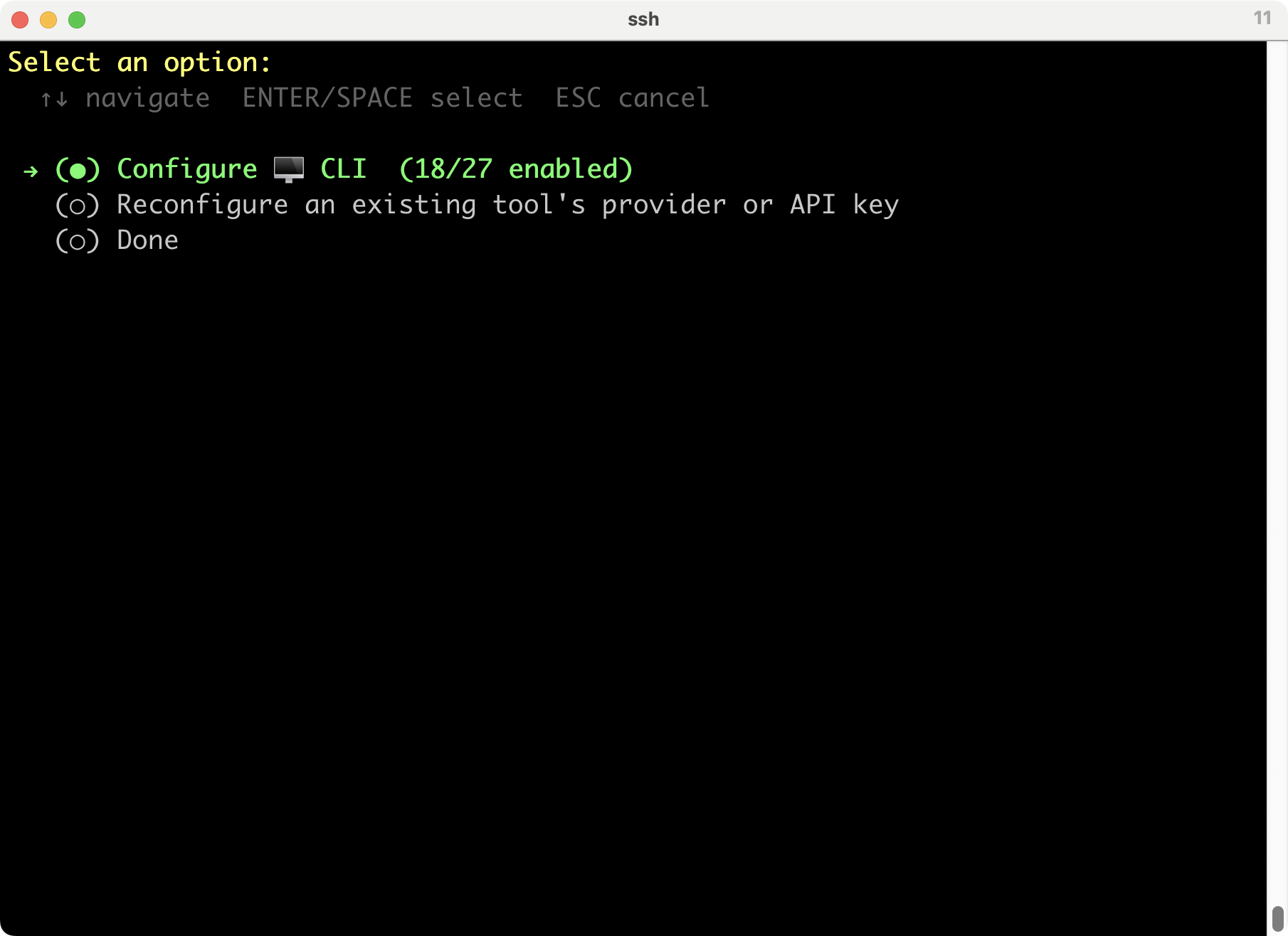
これは、インストールのときに少しやったし、Doneでいいかな。といっても、ブラウザツールと検索くらいしかやっていないのだけど。
メッセージング連携
hermes gateway setup:Telegram、Discord、Slack、LINEなどのメッセージング連携設定
公式の Messaging Gateway 対応一覧には、Telegram、Discord、Slack、WhatsApp、Signal、SMS、Email、Home Assistant、Mattermost、Matrix、DingTalk、Feishu/Lark、WeCom、Weixin、BlueBubbles、QQ、Yuanbao、Microsoft Teams、LINE、ntfy、browser などが列挙されている。
GitHub - NousResearch/hermes-agent: The agent that grows with you · GitHub
https://github.com/nousresearch/hermes-agent
普段はSignal使っているから、それにするかな。
% hermes gateway setup
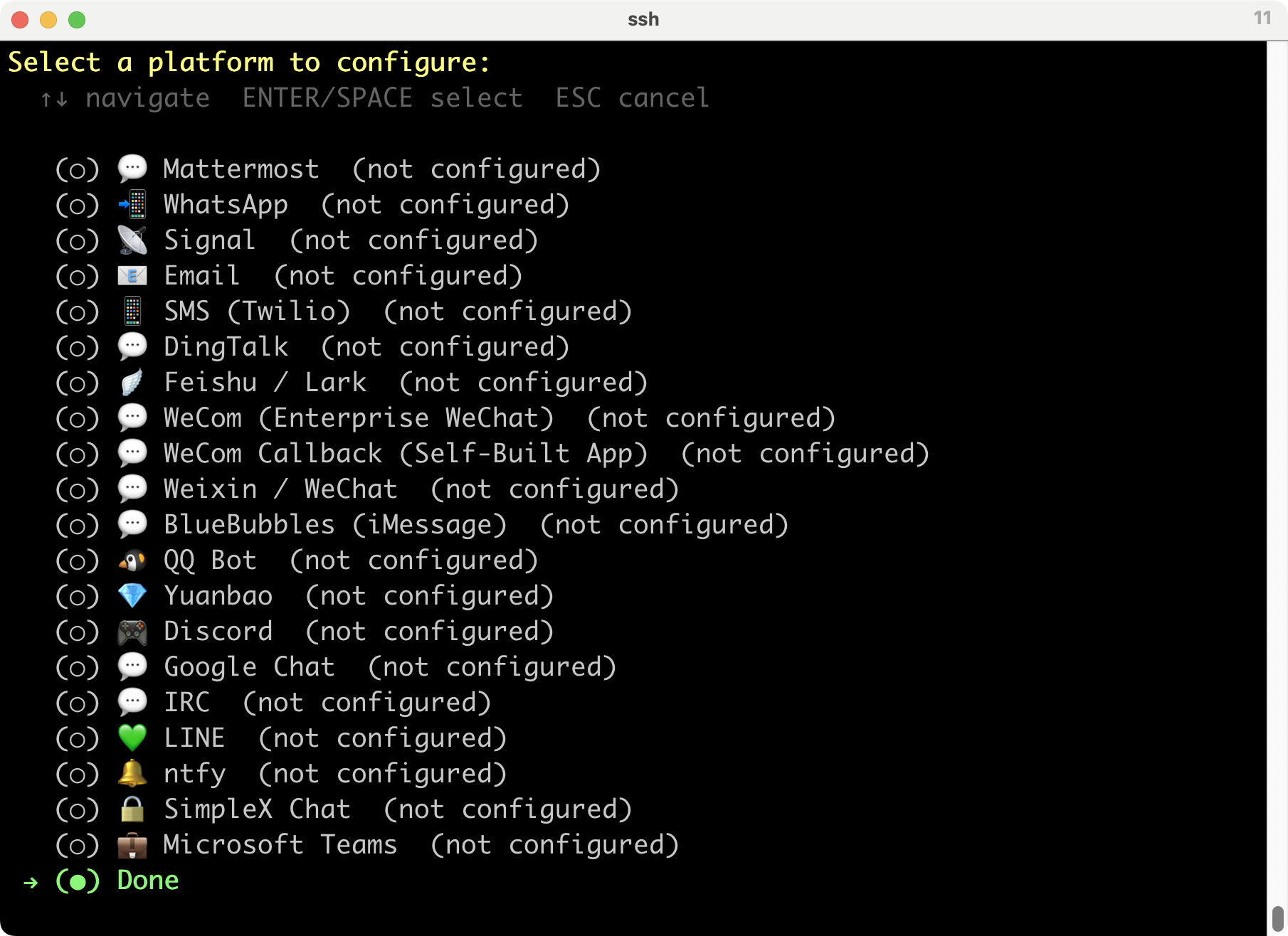
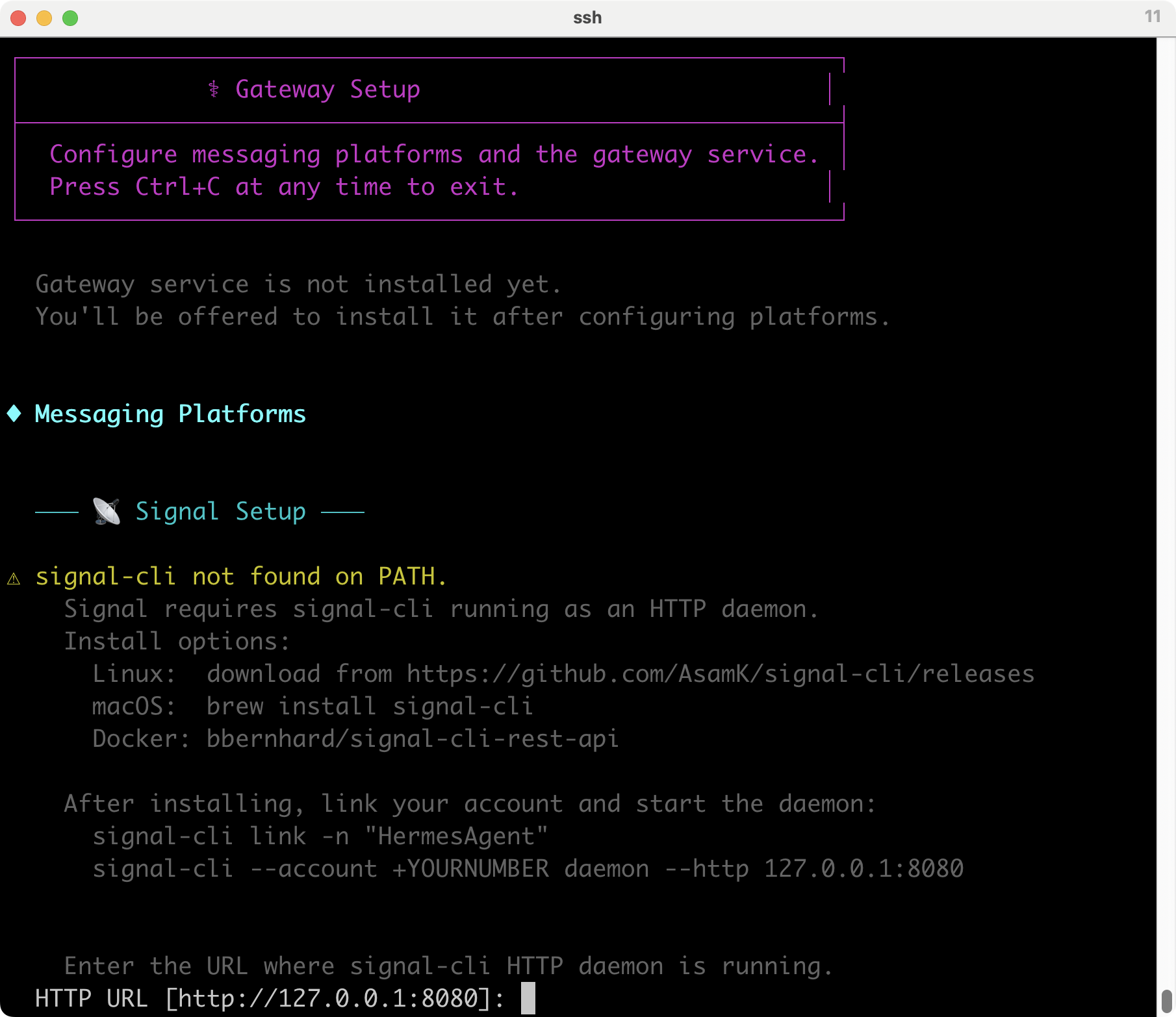
signal-cliがいるのでインストールしろということだ。macOSではbrewでインストールできる。一旦終了してインストールする。
% brew install signal-cli
==> Auto-updating Homebrew...
Adjust how often this is run with $HOMEBREW_AUTO_UPDATE_SECS or disable with
$HOMEBREW_NO_AUTO_UPDATE=1. Hide these hints with $HOMEBREW_NO_ENV_HINTS=1 (see man brew).
==> Auto-updated Homebrew!
Updated 1 tap (homebrew/cask).
You have 4 outdated formulae installed.
Inspect the formula dependency plan before installing with brew install --ask.
Enable ask mode by setting HOMEBREW_ASK=1.
Hide these hints with HOMEBREW_NO_ENV_HINTS=1 (see man brew).
==> Fetching downloads for: signal-cli
✔︎ Bottle Manifest signal-cli (0.14.4.1) Downloaded 6.9KB/ 6.9KB
✔︎ Bottle signal-cli (0.14.4.1) Downloaded 44.2MB/ 44.2MB
==> Pouring signal-cli--0.14.4.1.arm64_tahoe.bottle.tar.gz
🍺 /opt/homebrew/Cellar/signal-cli/0.14.4.1: 10 files, 125.3MB
==> Running brew cleanup signal-cli...
Disable this behaviour by setting HOMEBREW_NO_INSTALL_CLEANUP=1.
Hide these hints with HOMEBREW_NO_ENV_HINTS=1 (see man brew).
% signal-cli link -n "HermesAgent"
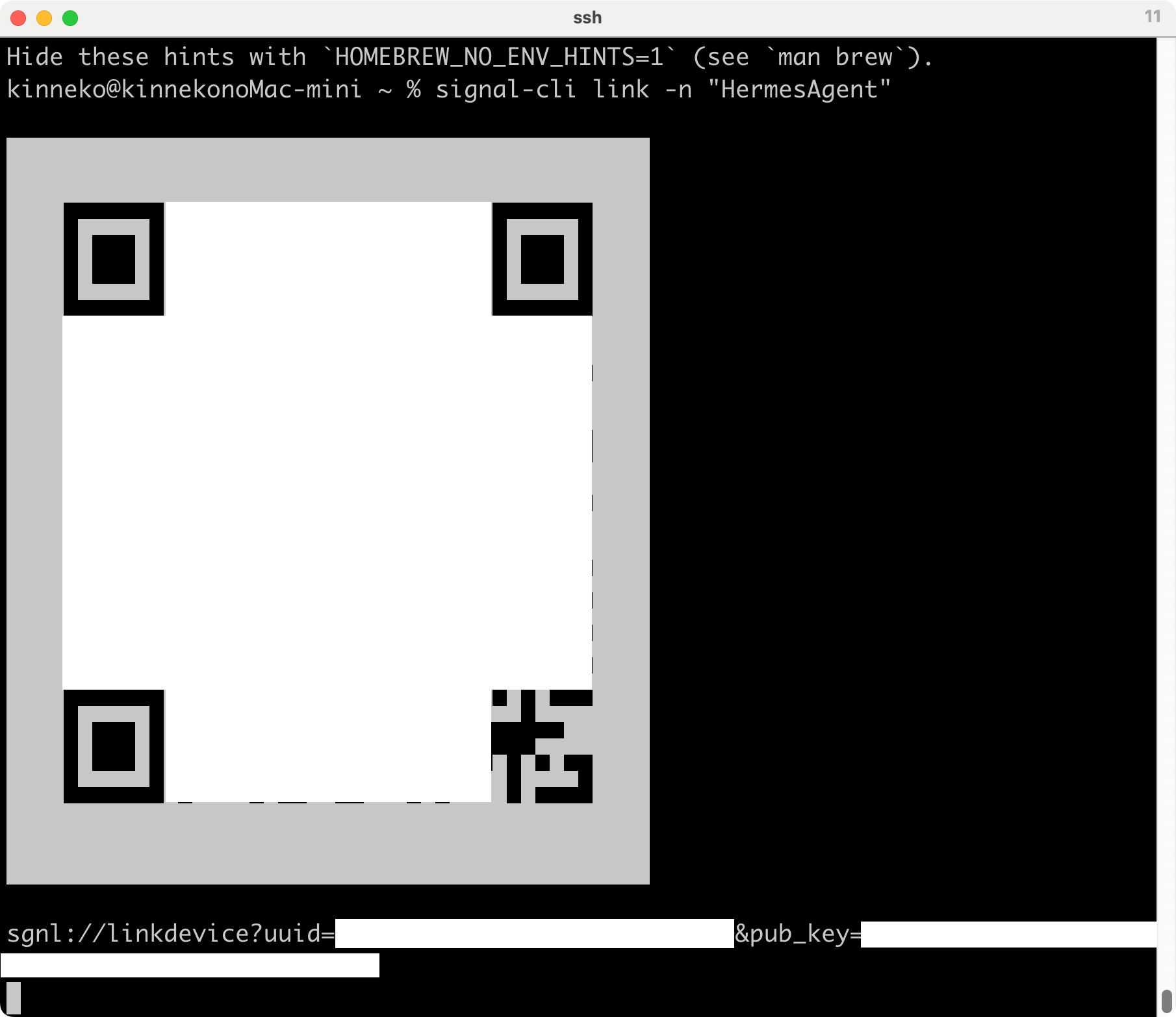
Link request error: Connection closed!
タイムアウトしたかな? リトライ。
INFO ProvisioningManagerImpl - Received link information from +8190XXXXXXXX, linking in progress ...
WARN SendHelper - Failed to send message due to IO exception: Class org.signal.network.util.JsonUtil$IdentityKeyDeserializer has no default (no arg) constructor
at [Source: REDACTED (StreamReadFeature.INCLUDE_SOURCE_IN_LOCATION disabled); line: 1, column: 1]
WARN SendHelper - Failed to send message due to IO exception: Class org.signal.network.util.JsonUtil$IdentityKeyDeserializer has no default (no arg) constructor
at [Source: REDACTED (StreamReadFeature.INCLUDE_SOURCE_IN_LOCATION disabled); line: 1, column: 1]
WARN SendHelper - Failed to send message due to IO exception: Class org.signal.network.util.JsonUtil$IdentityKeyDeserializer has no default (no arg) constructor
at [Source: REDACTED (StreamReadFeature.INCLUDE_SOURCE_IN_LOCATION disabled); line: 1, column: 1]
WARN SendHelper - Failed to send message due to IO exception: Class org.signal.network.util.JsonUtil$IdentityKeyDeserializer has no default (no arg) constructor
at [Source: REDACTED (StreamReadFeature.INCLUDE_SOURCE_IN_LOCATION disabled); line: 1, column: 1]
WARN SendHelper - Failed to send message due to IO exception: Class org.signal.network.util.JsonUtil$IdentityKeyDeserializer has no default (no arg) constructor
at [Source: REDACTED (StreamReadFeature.INCLUDE_SOURCE_IN_LOCATION disabled); line: 1, column: 1]
Associated with: +8190XXXXXXXX
んー、Signalアカウントとのリンク自体は完了しているのだけど、リンク処理中またはリンク直後の同期メッセージ送信で、signal-cli内部のJSON/Jackson処理が失敗しているらしい。なんだよそれ。
こいつ、javaライブラリを呼ぶのか... それはmacOSのデフォルトでは無理ね。
% signal-cli --version
signal-cli 0.14.4.1
% which signal-cli
/opt/homebrew/bin/signal-cli
% java -version
The operation couldn’t be completed. Unable to locate a Java Runtime.
Please visit http://www.java.com for information on installing Java.
リンクはできている。
% signal-cli listAccounts
INFO AccountHelper - The Signal protocol expects that incoming messages are regularly received.
Number: +8190XXXXXXXX
JDK入れるか。
macOSで入れやすいのは、brewで入れられるEclipse Adoptium が配布している OpenJDKのビルド済みJava実行環境であるTemurinあたりか。
% brew install --cask temurin
✔︎ JSON API formula.jws.json Downloaded 33.2MB/ 33.2MB
✔︎ JSON API cask.jws.json Downloaded 16.9MB/ 16.9MB
==> Fetching downloads for: temurin
✔︎ Cask temurin (26.0.1,8) Verified 140.1MB/140.1MB
==> Installing Cask temurin
==> Running installer for temurin with sudo (which may request your password).
Password:
installer: Package name is Eclipse Temurin
installer: Installing at base path /
installer: The install was successful.
🍺 temurin was successfully installed!
% java -version
openjdk version "26.0.1" 2026-04-21
OpenJDK Runtime Environment Temurin-26.0.1+8 (build 26.0.1+8)
OpenJDK 64-Bit Server VM Temurin-26.0.1+8 (build 26.0.1+8, mixed mode, sharing)
% signal-cli --account +8190XXXXXXXX daemon --http 127.0.0.1:8080
INFO AccountHelper - The Signal protocol expects that incoming messages are regularly received.
INFO DaemonCommand - Starting daemon in single-account mode for +8190XXXXXXXX
INFO HttpServerHandler - Started HTTP server on /127.0.0.1:8080
WARN HttpServerHandler - HTTP server has no authentication; Host header is pinned to [localhost, ::1, 127.0.0.1]
なんか動いている感じね。java入れなくてもよかったのかも。
なんか、とりあえずバックグラウンドで動かしてみる。永続化するにはlaunchdを設定する必要がある。
% nohup signal-cli --account +8190XXXXXXXX daemon --http 127.0.0.1:8080 \
> ~/.hermes/signal-cli.log 2>&1 &
[1] 4510
ようやく続き。
% hermes gateway setup
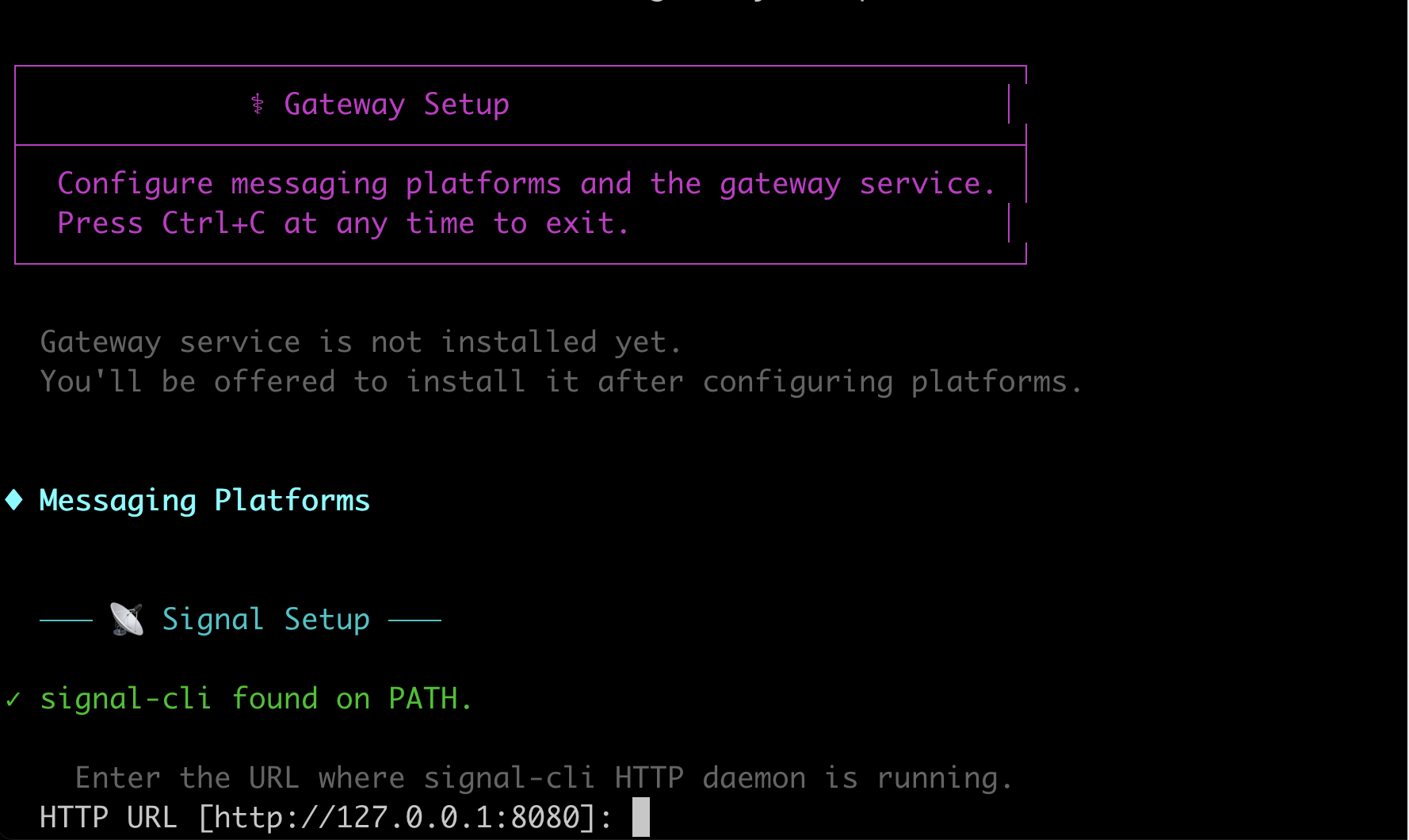

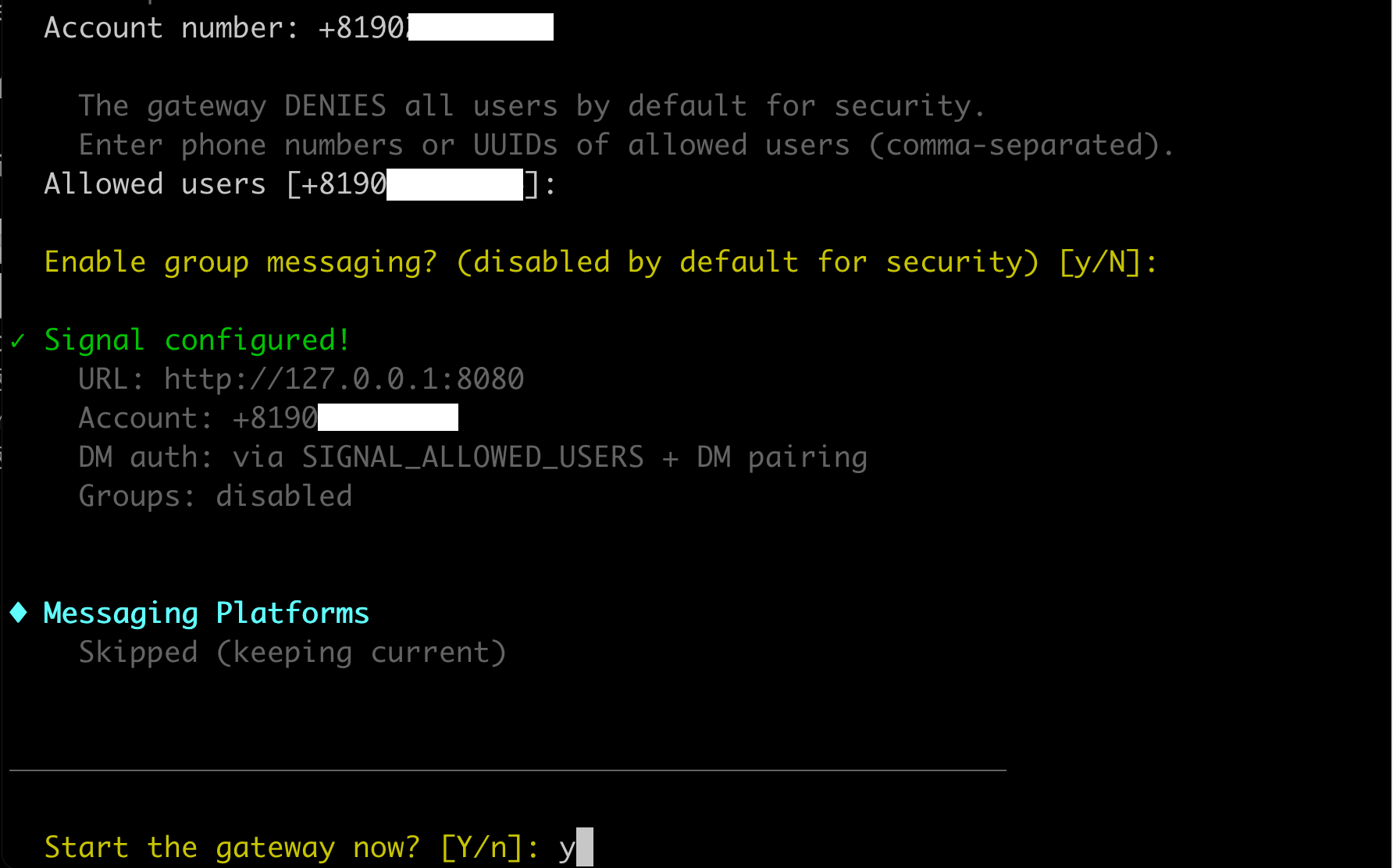
launchdの設定が終わっていなければNかなと思ったけど、yにすると自動で設定してくれるようなのでおまかせ。したら失敗したわ。
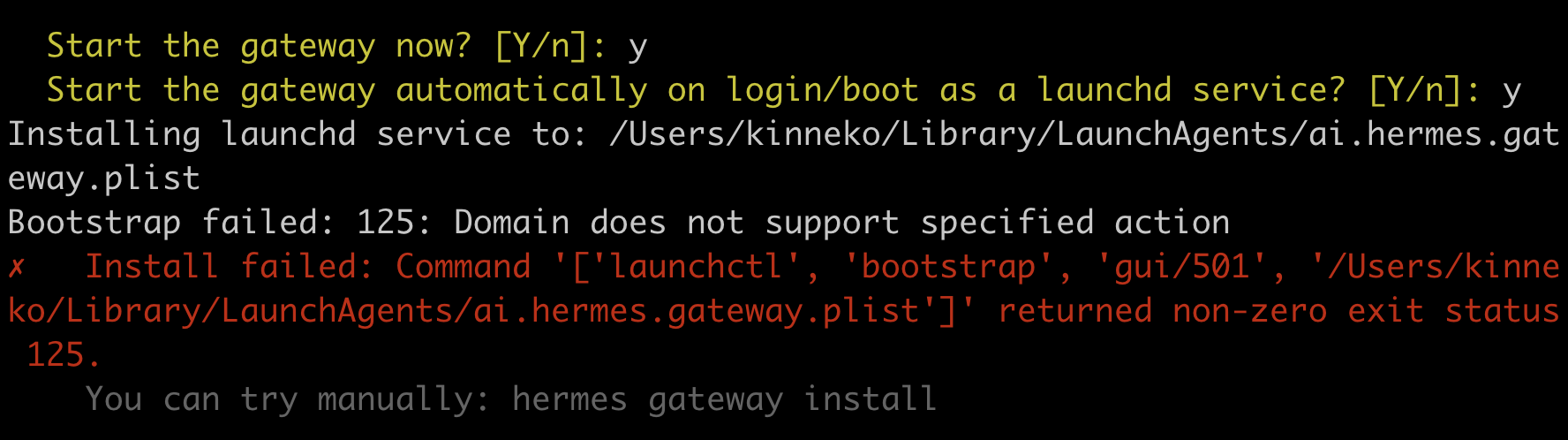
plistファイルは作ったのだけど、GUIで設定しようとコマンドを送って失敗した模様。ヘッドレスなssh端末からのリクエストだものね。
とりあえず、手動で動かす。
% nohup hermes gateway run > ~/.hermes/logs/hermes-gateway.log 2>&1 &
[2] 4531
% hermes gateway status
Launchd plist: /Users/kinneko/Library/LaunchAgents/ai.hermes.gateway.plist
✓ Service definition matches the current Hermes install
✗ Gateway service is not loaded
Service definition exists locally but launchd has not loaded it.
Run: hermes gateway start
⚠ Gateway process is running for this profile, but the service is not active
PID(s): 4531
This is usually a manual foreground/tmux/nohup run, so hermes gateway
can refuse to start another copy until this process stops.
一応、動いてはいるようね。
これでセットアップ相当は終わったと思うのだけど。
起動するかな?
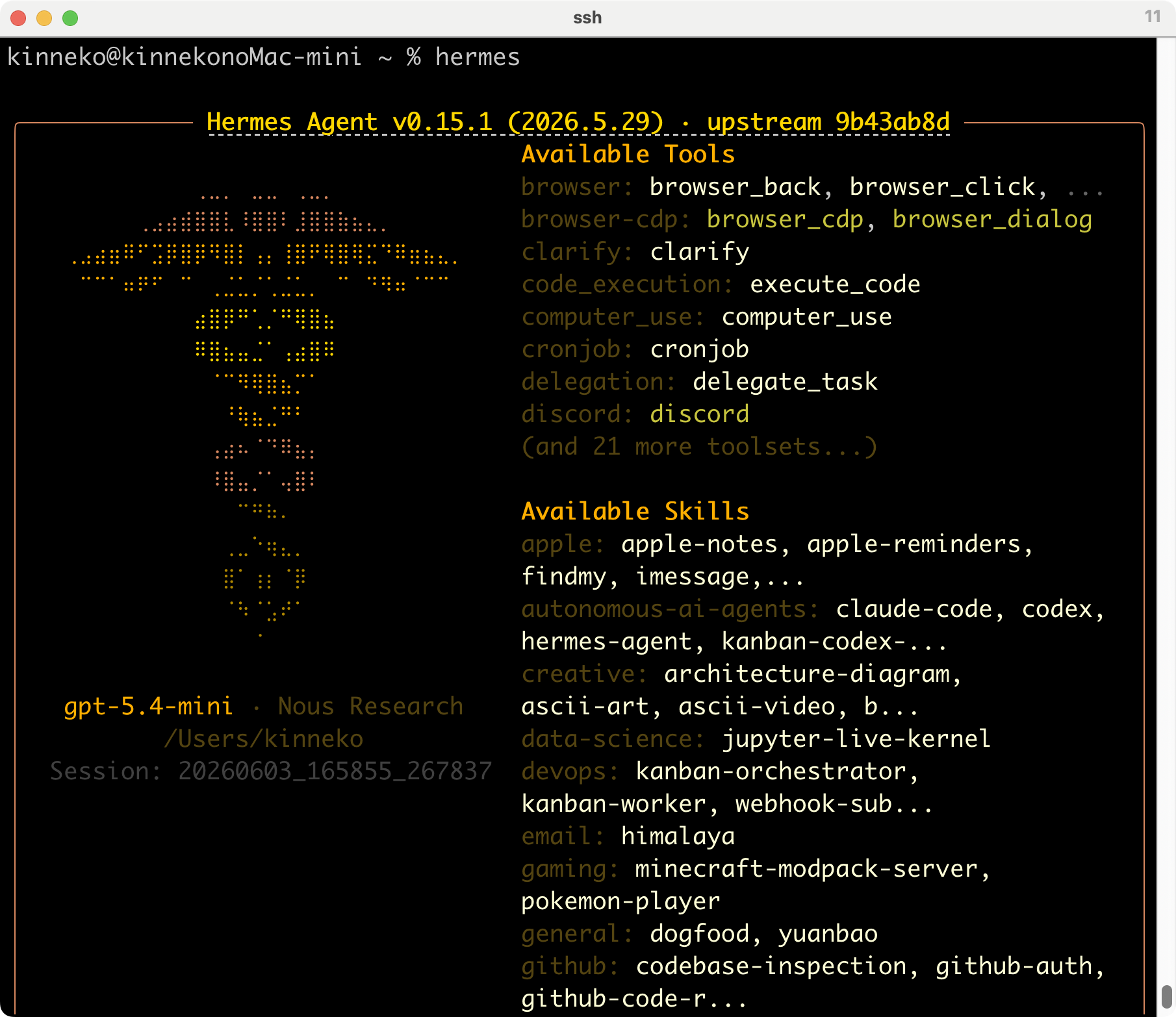
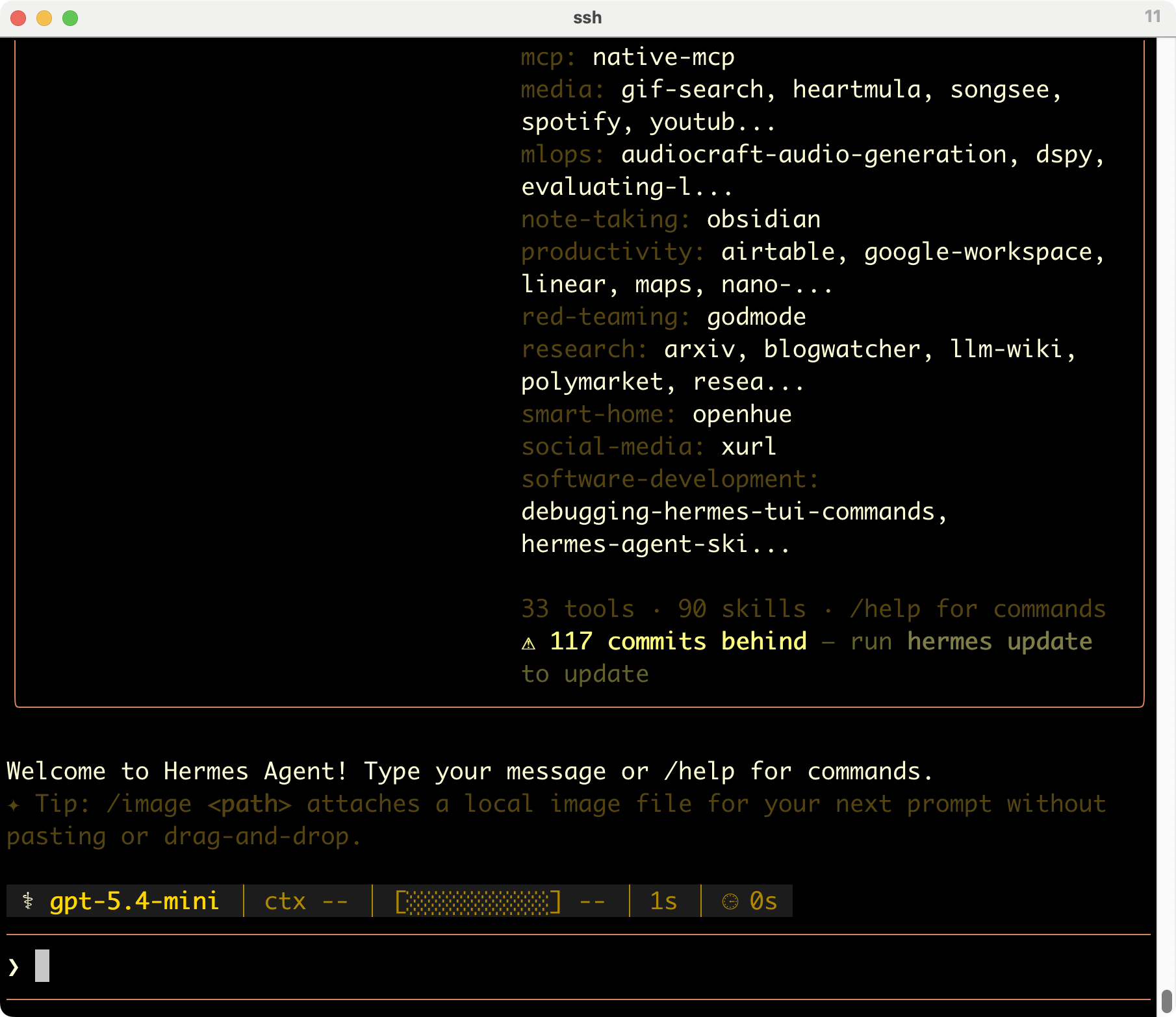
動いているみたいね。
オリジナル投稿:
hermes-agent試す? -4-|kinneko|pixivFANBOX
https://kinneko.fanbox.cc/posts/12021082