

FANBOXで書いているこの記事も、だいぶ増えてきたので、以前の記事の一部をGithubPagesに移行しようかと思っている。サービスとして、FANBOXよりもGithubのが長生きしそうだからw だいぶ前から考えてはいるのだけど、なかなか実行に移せていない。

んで、その準備として、まずはZolaをマスターしなくてはならない。SSGはいろいろあるけど、学ぶ必要のあることが少ないものということで、Zolaを選択することにした。
ZolaはRustで書かれた静的サイトジェネレーター。 シングルバイナリで扱いやすい、テンプレートエンジンにRust製のTeraが使用されているという特徴。
本家はこちら。
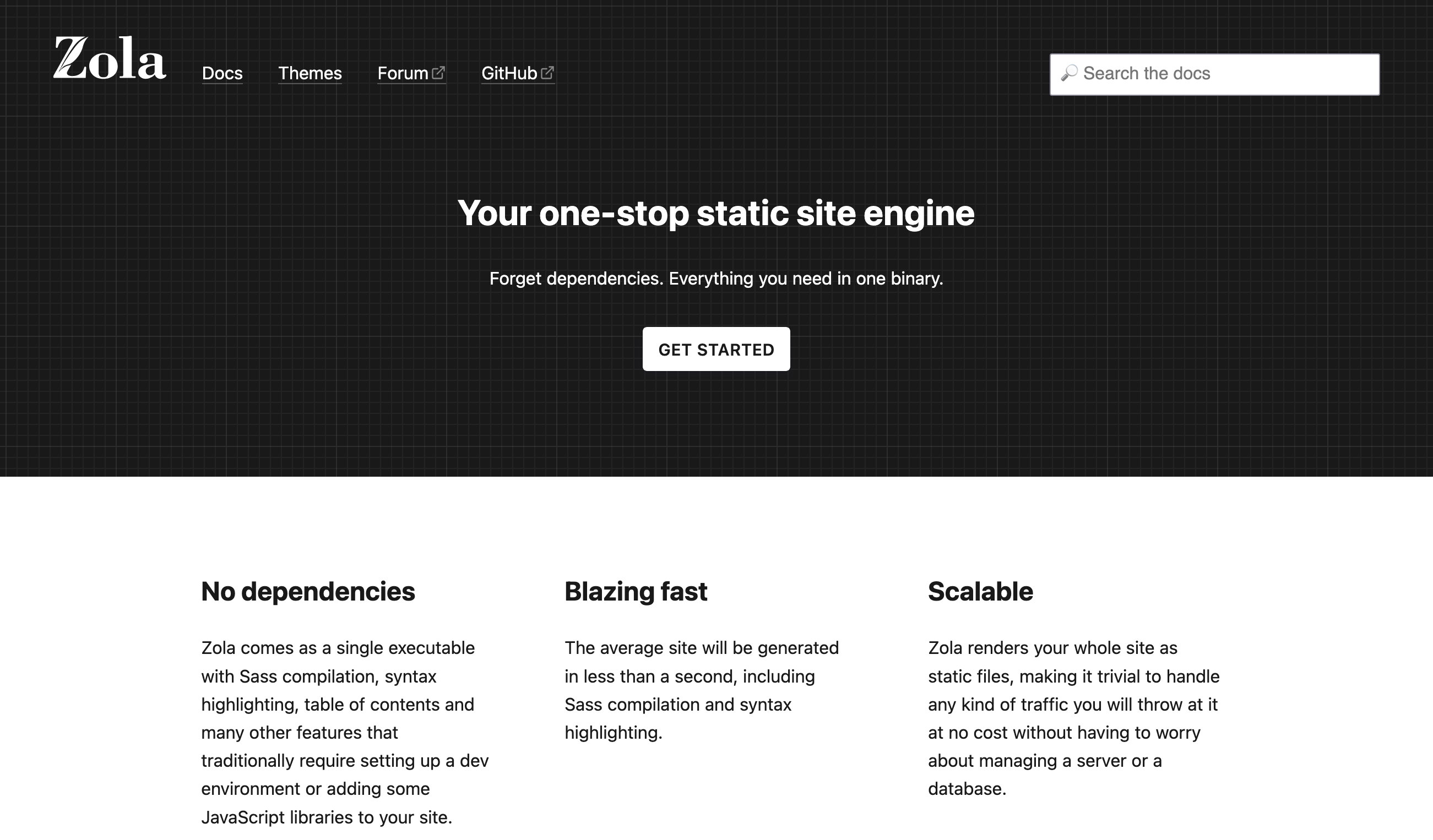
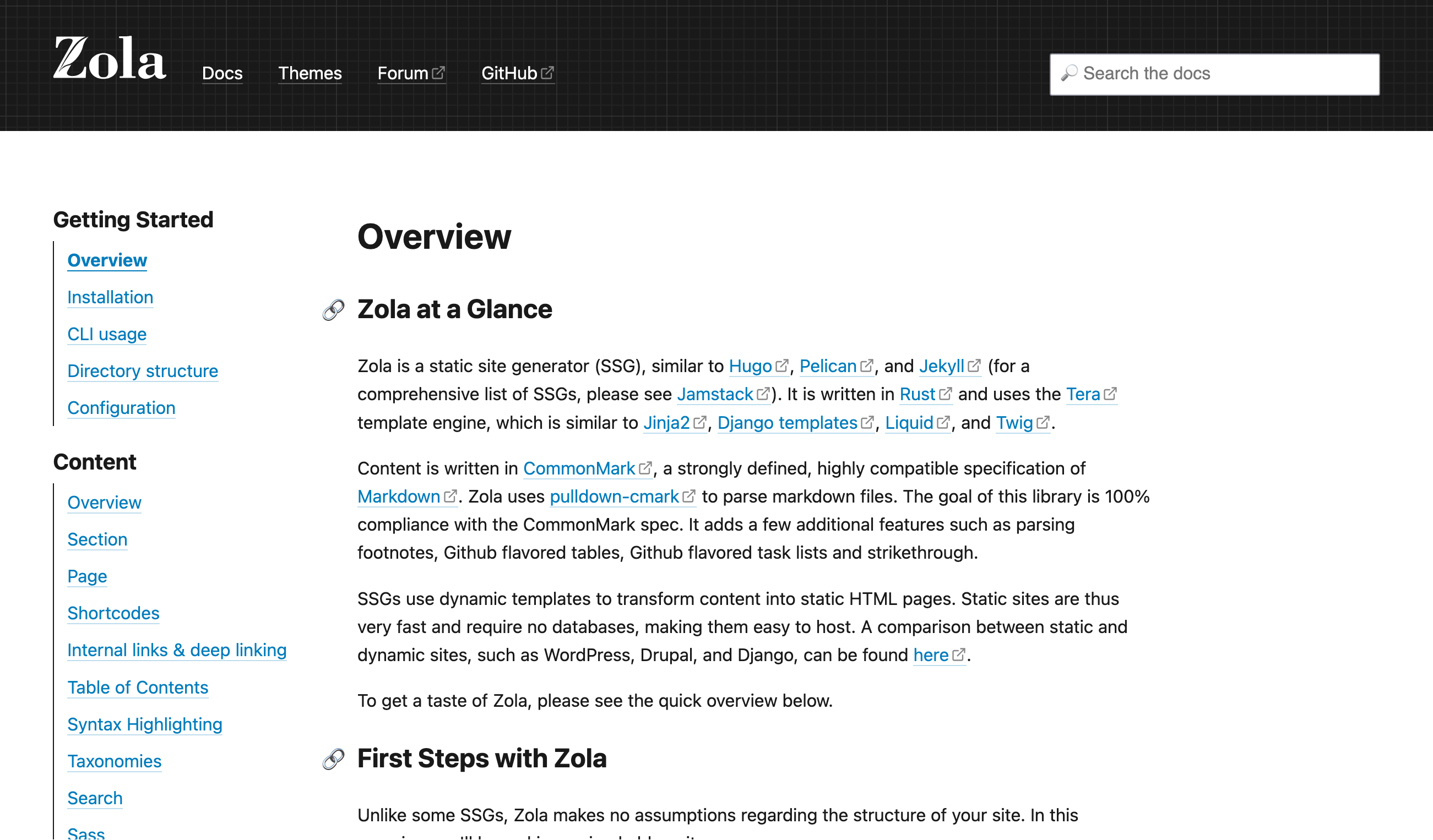
ドキュメント。英語だけ。
Overview | Zola
https://www.getzola.org/documentation/getting-started/overview/
インストールは、macOSではbrewでできるみたい。
$ brew install zola
なんか、Rust関係の依存でパッケージがいっぱい入る感じ。openssl@3のビルドとかしているので時間がかかる。 もう寒いというのに、M1MBPのファンがうなりを上げている。待っているだけなんだけど、もうメゲそう。llvmのビルドはじめたぞ... おわらない... そしてパームレストが熱い。 まだ、終わらない... シングルバイナリで簡単なんじゃなかったのかと。brewなので、ビルドするのが問題だな。dmgで配ってほしい... ビルド用にメモリを食い尽くして、他のプロセスに影響が出ている感じ。のろい。
やっと終わった...
インストールされたzolaのバージョンを調べる。
% zola --version
zola 0.21.0
作業用のディレクトリを掘る。そのままGithubにpushするリポジトリにする予定。
% cd Documents
% mkdir fanbox-zola
% cd fanbox-zola/
zolaで初期化する。
% zola init .
Welcome to Zola!
Please answer a few questions to get started quickly.
Any choices made can be changed by modifying the `config.toml` file later.
> What is the URL of your site? (https://example.com):
URLを聞かれるけど、これは後で設定できるのでそのまま進める。
> Do you want to enable Sass compilation? [Y/n]:
Sassは、CSSを書くための拡張言語。.scssや.sassを置いておくと、Zola がビルド時に CSSに変換してくれる。質問は、Sassを使用するかどうかを聞かれている。デフォルトではYesなので、そのまま進める。これもあとで設定ファイルでどうにでもできる。もちろん、これをオフにして、自分でCSSを書くこともできる。
> Do you want to enable syntax highlighting? [y/N]:
コードブロックの中で、キーワードや文字列などを色分けして見やすくするシンタックスハイライトを使うかどうか聞かれている。もちろん使う。FANBOXはこれがないので不便なのだ。
> Do you want to build a search index of the content? [y/N]:
サイト内検索用に、記事の内容をまとめた「索引データ」をZolaがビルド時に生成するかどうかを聞かれている。そのデータを使って、フロント側(JavaScriptなど)で「サイト内検索」機能を実装できる。便利そうだけど、とりあえず後でも有効にできるのでパスしておく。
Done! Your site was created in /Users/kinneko/Documents/fanbox-zola

Get started by moving into the directory and using the built-in server: `zola serve`
Visit https://www.getzola.org for the full documentation.
こんなディレクトリ構成ができる。
% find ./
./
.//content  #Markdown でコンテンツを作成
.//static  #画像など静的ファイルを配置(contentディレクトリに直接配備してもOK)
.//templates  #各ページのひな形HTML(Tera)を配置
.//config.toml  #Zola 設定ファイル
.//sass   #Sass ファイルを配置
.//themes  #公開されている各種テーマをインストール
contentの下にmdを入れていく感じになりそうだ。画像はstaticに入れるのがデフォルトだけど、管理がめんどくさい場合は、contentにベタ置きでもいいようだ。
設定ファイルのconfig.tomlを見てみる。 内容の解説はこのページにある。デフォルトには書かれていない項目も結構ある。
Configuration | Zola
https://www.getzola.org/documentation/getting-started/configuration/
% cat config.toml
# The URL the site will be built for
base_url = "https://example.com"

# Whether to automatically compile all Sass files in the sass directory
compile_sass = true

# Whether to build a search index to be used later on by a JavaScript library
build_search_index = false

[markdown]
# Whether to do syntax highlighting
# Theme can be customised by setting the `highlight_theme` variable to a theme supported by Zola
highlight_code = true

[extra]
# Put all your custom variables here
init時にも質問されたが、base_urlはあとでgithub pagersのものを書いておけばよさげ。とりあえず、いまは、そのままで。
contentの下には、記事本体以外に、ディレクトリを切ってセクションを置くことができる。 たとえば、コンテンツはblogディレクトリに、サイトの説明的なことはaboutディレクトリを切って、そこに置いておく感じ。 セクションは、_index.mdがあるフォルダが自動認識されて、インデックスなどを作る単位になる。そのほかにも、「このセクション配下の記事を、日付順に並べる」「何件まで表示する」などの設定を持つことができる。
_index.mdは、こんな感じで書いておく。タイトルはとりあえず「FANBOX」で、ページあたり10記事表示、日付ソート。本文は、使うテーマによるけど一覧ページの上部に出すことができる。
% cd content
% vi _index.md
+++
title = "FANBOX"
paginate_by = 10
sort_by = "date"
+++

 コンテンツは、FANBOXで連載している記事を転記しています。

> kinneko|pixivFANBOX
> https://kinneko.fanbox.cc/
記事のmdは、とりあえずこんな感じで書いておく。
% vi 2025-01-01.md
+++
title = "はじめての投稿"
date = 2025-01-01
+++

記事の本文。
コンテンツはmdで書いてあるので、これを静的コンテンツにジェネレートしないといけない。
ビルドしてみる。中身ないので一瞬だねw
% zola build
Building site...
Checking all internal links with anchors.
> Successfully checked 0 internal link(s) with anchors.
-> Creating 1 pages (0 orphan) and 0 sections
Done in 26ms.
publicディレクトリができている。
% ls
config.toml	public		static		themes
content		sass		templates
コンテンツだけでなく、404とかrobots.txtとかも作ってくれている。ふーん。
% find public
public
public/page
public/page/1
public/page/1/index.html
public/index.html
public/404.html
public/2025-01-01
public/2025-01-01/index.html
public/sitemap.xml
public/robots.txt
ローカルでコンテンツを確認するには、ローカルサーバーを使用する。
% zola serve
Building site...
Checking all internal links with anchors.
> Successfully checked 0 internal link(s) with anchors.
-> Creating 1 pages (0 orphan) and 0 sections
Done in 28ms.

Web server is available at http://127.0.0.1:1111 (bound to 127.0.0.1:1111)

Listening for changes in /Users/kinneko/Documents/fanbox-zola/{config.toml,content,sass,static,templates}
Press Ctrl+C to stop
ログからわかるように、serveするときにbuildは自動でやってくれる。
ブラウザで、以下のURLを開いて見た目を確認をする。
http://127.0.0.1:1111
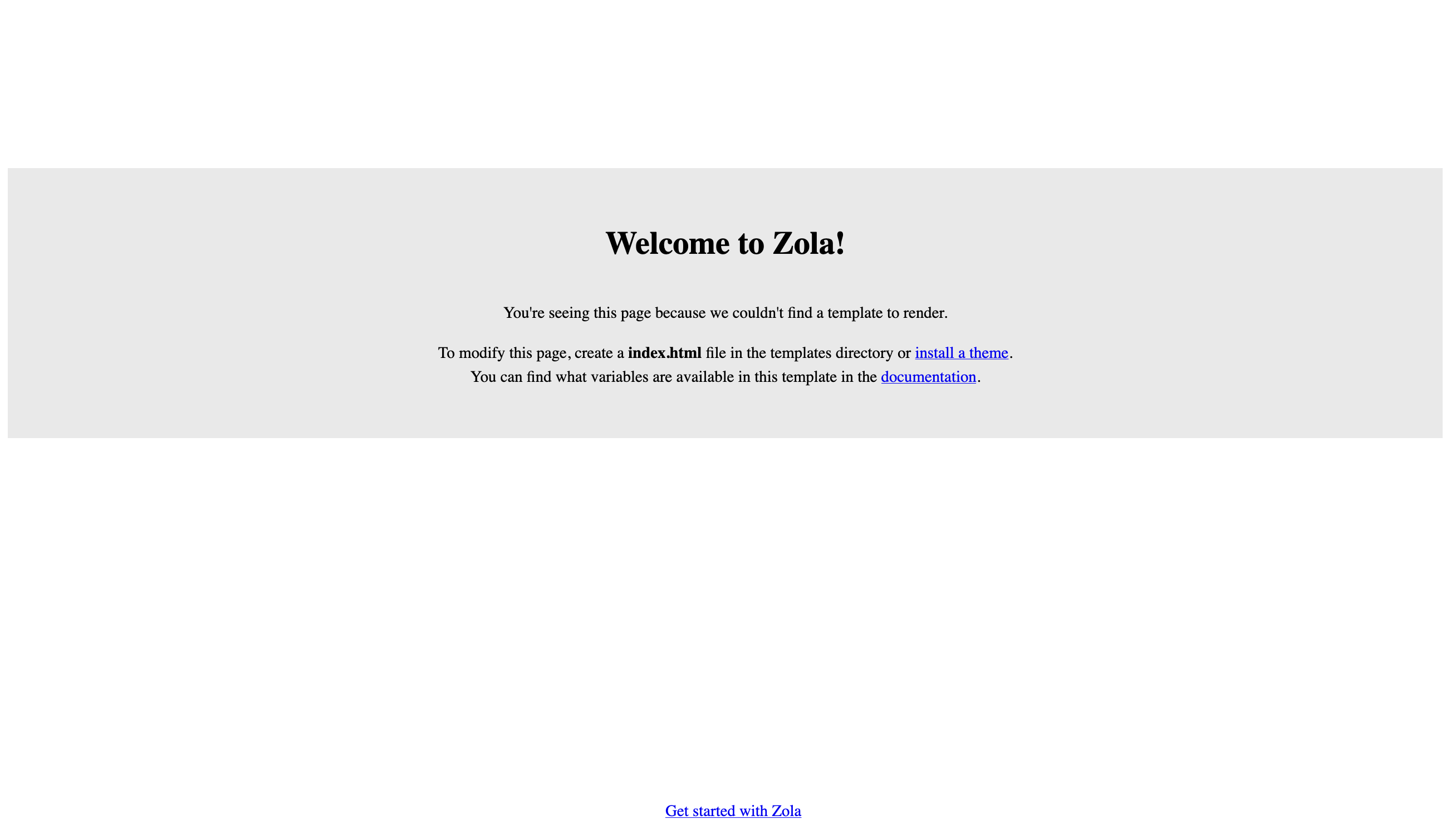
テンプレートを使っていないので、味もそっけもない。というか、コンテンツが生成されていない...
あ、publicで起動しないとダメかな? さっき作ったpublicが消えている。なんだそれ?
% ls
config.toml	sass		templates
content		static		themes
どうも、serve起動時には、一旦、publicは削除される仕様のようだ。
serveを起動した後を見てみると、publicはできているけど、中身はなにもはいっていない。
どうやら、テンプレートが何もないと、serveはpublicを生成できないようだ。うーん...
templates/index.htmlとtemplates/page.htmlを作って配置する。
% vi templates/index.html
<!doctype html>
<html lang="ja">
<head>
  <meta charset="utf-8">
  <title>{{ section.title }} - {{ config.title }}</title>
</head>
<body>
  <h1>{{ section.title }}</h1>
  {{ section.content | safe }}

  <h2>記事一覧</h2>
  <ul>
  {% for page in section.pages %}
    <li>
      <a href="{{ page.permalink }}">{{ page.title }}</a>
      {% if page.date %}({{ page.date }}){% endif %}
    </li>
  {% endfor %}
  </ul>
</body>
</html>
% vi templates/page.html
<!doctype html>
<html lang="ja">
<head>
  <meta charset="utf-8">
  <title>{{ page.title }} - {{ config.title }}</title>
</head>
<body>
  <p><a href="{{ config.base_url }}">← トップへ</a></p>

  <h1>{{ page.title }}</h1>
  {% if page.date %}
    <p>投稿日: {{ page.date }}</p>
  {% endif %}

  {{ page.content | safe }}
</body>
</html>
serveは動的に更新されるので、ファイルを作ると、serveが検知してブラウザにページが表示されている。
Change detected @ 2025-11-21 18:22:01
-> Template file(s) changed /Users/kinneko/Documents/fanbox-zola/templates/index.html
Reloading only template
Done in 2ms.

Change detected @ 2025-11-21 18:24:09
-> Template file(s) changed /Users/kinneko/Documents/fanbox-zola/templates/page.html
Reloading only template
Done in 1ms.

一覧が出てきてないな... paginate_byを指定しているので、テンプレートを変更しないとダメらしい。
% vi templates/index.html
<!doctype html>
<html lang="ja">
<head>
  <meta charset="utf-8">
  <title>{{ section.title }} - {{ config.title }}</title>
</head>
<body>
  <h1>{{ section.title }}</h1>
  {{ section.content | safe }}

  <h2>記事一覧</h2>

  {# paginate_by を指定している場合は paginator.pages を使う #}
  {% if paginator %}
    {% set list = paginator.pages %}
  {% else %}
    {% set list = section.pages %}
  {% endif %}

  <ul>
  {% for page in list %}
    <li>
      <a href="{{ page.permalink }}">{{ page.title }}</a>
      {% if page.date %}({{ page.date }}){% endif %}
    </li>
  {% endfor %}
  </ul>

  {# 簡単なページネーションリンク #}
  {% if paginator %}
    <nav>
      {% if paginator.previous %}
        <a href="{{ paginator.previous }}">« 前のページ</a>
      {% endif %}

      <span>ページ {{ paginator.current_index }} / {{ paginator.number_pagers }}</span>

      {% if paginator.next %}
        <a href="{{ paginator.next }}">次のページ »</a>
      {% endif %}
    </nav>
  {% endif %}
</body>
</html>
出た出た。

コンテンツ側も出ている。

なんか、先は長そうだな...
オリジナル投稿: Zola使ってみる -1-|kinneko|pixivFANBOX
https://www.fanbox.cc/@kinneko/posts/10935250