
んでもって、TouchDisplay2を動かさねばならない。
デフォルトのRaspi関連の設定を調べる。
kinneko@pi4:~$ cat /boot/firmware/cmdline.txt
zswap.enabled=1 zswap.zpool=z3fold zswap.compressor=zstd multipath=off dwc_otg.lpm_enable=0 console=tty1 root=LABEL=writable rootfstype=ext4 rootwait fixrtc quiet splash
kinneko@pi4:~$ cat /boot/firmware/config.txt
[all]
arm_64bit=1
kernel=vmlinuz
cmdline=cmdline.txt
initramfs initrd.img followkernel
# Enable the audio output, I2C and SPI interfaces on the GPIO header. As these
# parameters related to the base device-tree they must appear *before* any
# other dtoverlay= specification
dtparam=audio=on
dtparam=i2c_arm=on
dtparam=spi=on
# Comment out the following line if the edges of the desktop appear outside
# the edges of your display
disable_overscan=1
# If you have issues with audio, you may try uncommenting the following line
# which forces the HDMI output into HDMI mode instead of DVI (which doesn't
# support audio output)
#hdmi_drive=2
# Enable the KMS ("full" KMS) graphics overlay, leaving GPU memory as the
# default (the kernel is in control of graphics memory with full KMS)
dtoverlay=vc4-kms-v3d
disable_fw_kms_setup=1
# Autoload overlays for any recognized cameras or displays that are attached
# to the CSI/DSI ports. Please note this is for libcamera support, *not* for
# the legacy camera stack
camera_auto_detect=1
display_auto_detect=1
# Config settings specific to arm64
dtoverlay=dwc2
[pi4]
max_framebuffers=2
arm_boost=1
[pi3+]
# Use a smaller contiguous memory area, specifically on the 3A+ to avoid an
# OOM oops on boot. The 3B+ is also affected by this section, but it shouldn't
# cause any issues on that board
dtoverlay=vc4-kms-v3d,cma-128
[pi02]
# The Zero 2W is another 512MB board which is occasionally affected by the same
# OOM oops on boot.
dtoverlay=vc4-kms-v3d,cma-128
[cm4]
# Enable the USB2 outputs on the IO board (assuming your CM4 is plugged into
# such a board)
dtoverlay=dwc2,dr_mode=host
[all]
KMSの設定は「dtoverlay=vc4-kms-v3d」になっている。これを書き換える必要がある。
Pi4環境なので、そのときだけ適用するように上書き設定しておく。
kinneko@pi4:~$ sudo vi /boot/firmware/config.txt
[pi4]
dtoverlay=vc4-kms-dsi-ili9881-5inch
max_framebuffers=2
arm_boost=1
これだけじゃダメかな? とりあえず再起動。
なんか動いたよ。
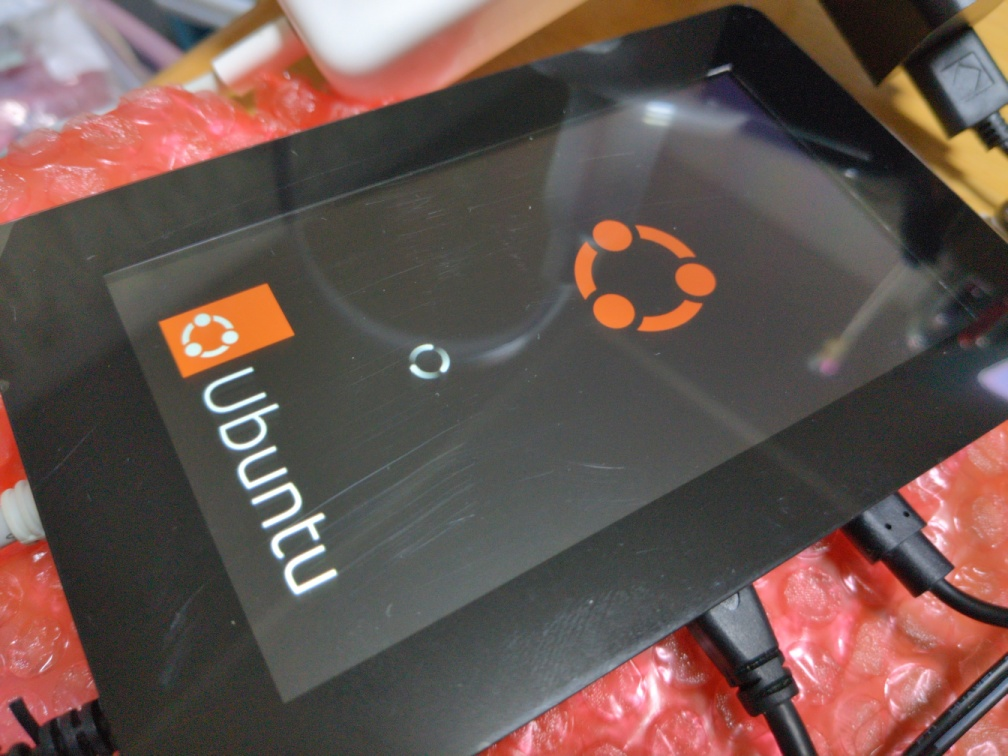
HDMIも接続したままなので、キャプチャは両方の画面の分が出る。
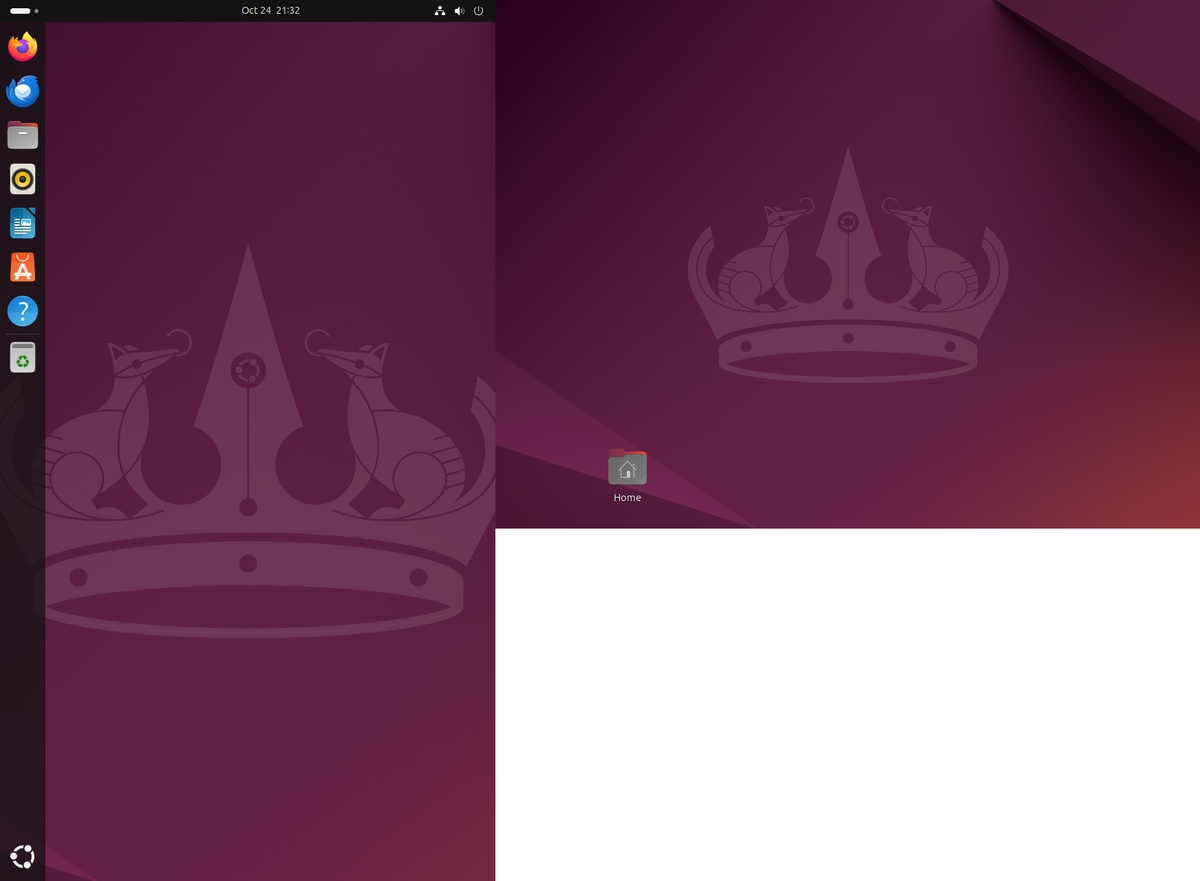
スリープが有効なので、一度スリープしてしまうと、ログインを求められる。めんどくさいな。
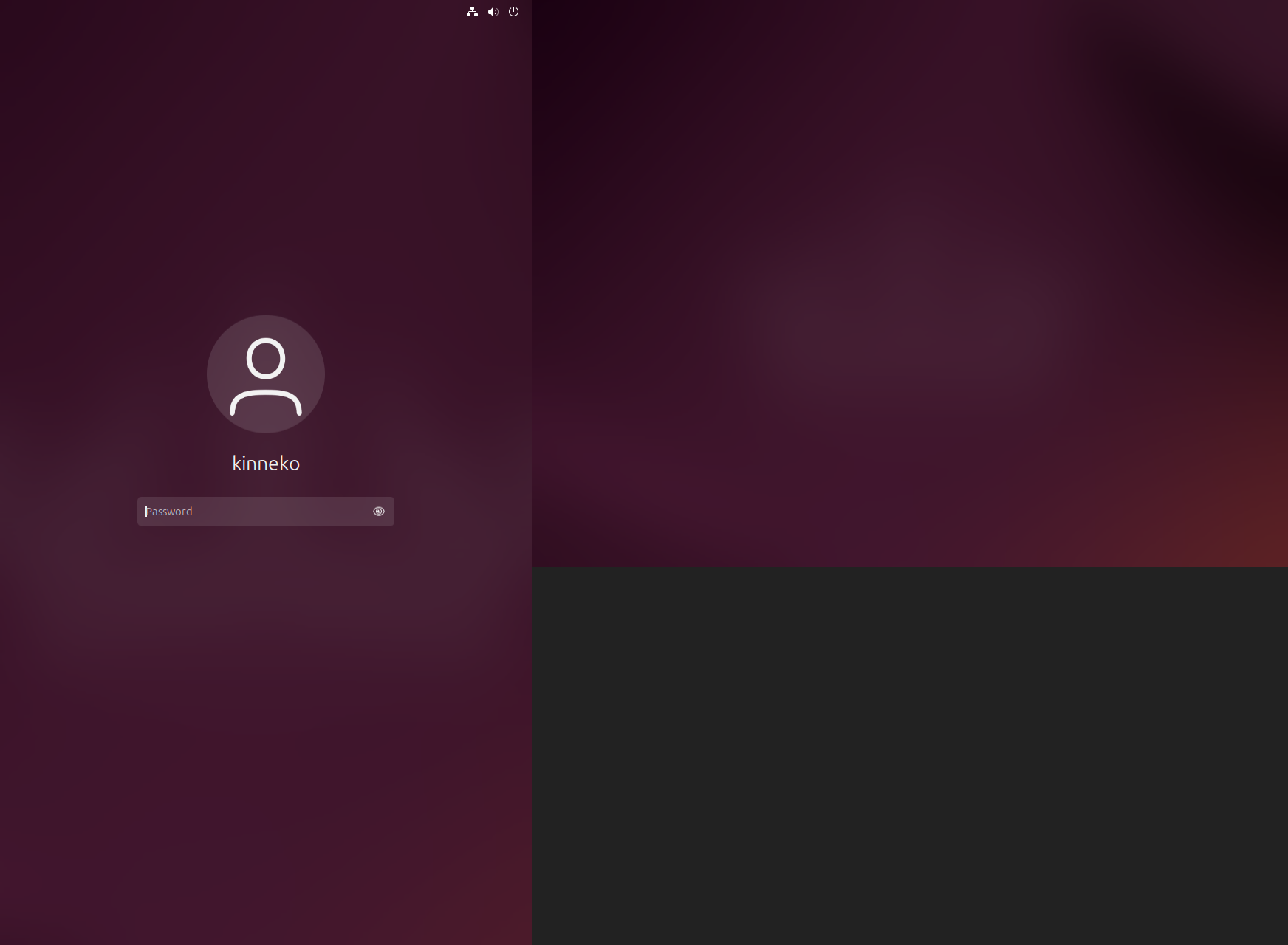
HDMIを引っこ抜いたら、sshも死んだ。なんだそれ?
kinneko@pi4:~$ client_loop: send disconnect: Broken pipe
しょうがないので、マウスを使って再起動。最近のGnomeってこんな再起動なのね。めんどくさい。
どうも、NICのケーブルが抜けかけていただけらしい... orz
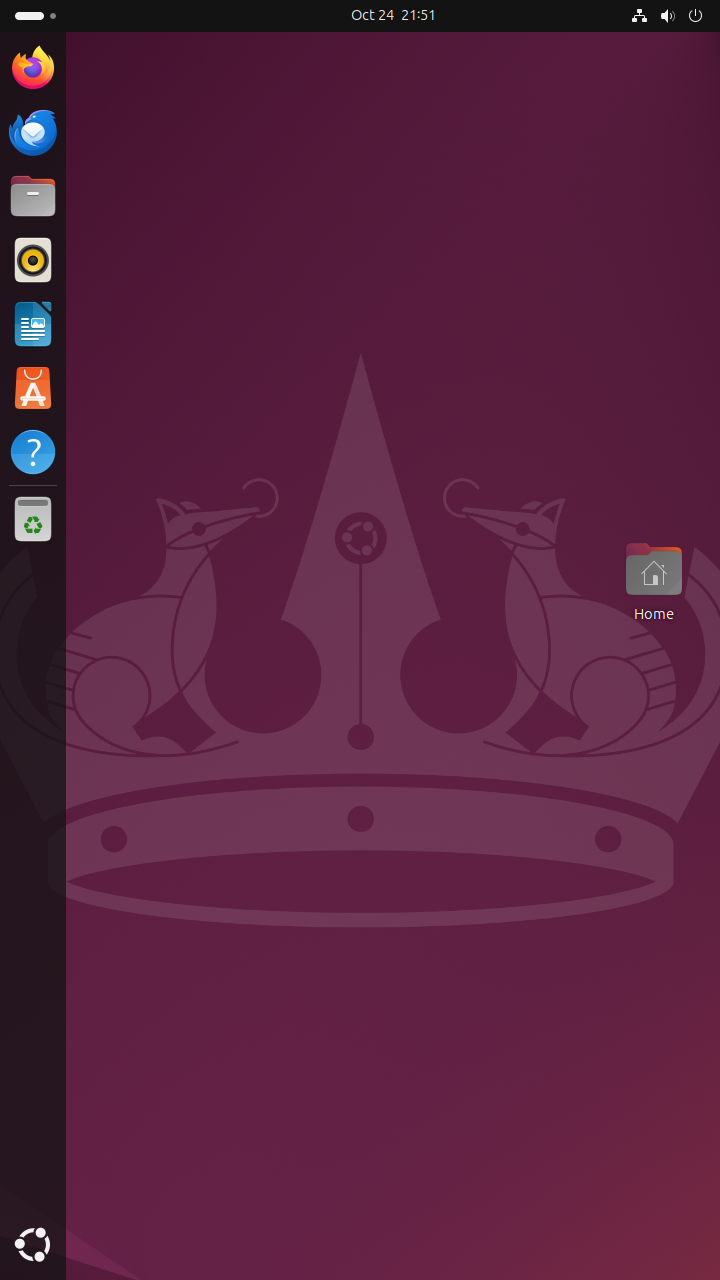
しかし、タッチが有効にならない。
kinneko@pi4:~$ sudo vi /boot/firmware/config.txt
[pi4]
#dtoverlay=vc4-kms-dsi-ili9881-5inch
dtoverlay=vc4-kms-dsi-ili9881-5inch,invx=0,invy=0,swapxy=0
max_framebuffers=2
arm_boost=1
ダメだな。
kinneko@pi4:~$ sudo dmesg | grep ili9881
[ 15.297328] ili9881c-dsi fe700000.dsi.0: supply power not found, using dummy regulator
kinneko@pi4:~$ sudo dmesg | grep input
[    3.084955] input: Logitech USB Receiver as /devices/platform/scb/fd500000.pcie/pci0000:00/0000:00:00.0/0000:01:00.0/usb1/1-1/1-1.3/1-1.3:1.0/0003:046D:C52F.0001/input/input0
[    3.085295] hid-generic 0003:046D:C52F.0001: input,hidraw0: USB HID v1.11 Mouse [Logitech USB Receiver] on usb-0000:01:00.0-1.3/input0
[    3.085994] input: Logitech USB Receiver Consumer Control as /devices/platform/scb/fd500000.pcie/pci0000:00/0000:00:00.0/0000:01:00.0/usb1/1-1/1-1.3/1-1.3:1.1/0003:046D:C52F.0002/input/input1
[    3.138364] hid-generic 0003:046D:C52F.0002: input,hiddev0,hidraw1: USB HID v1.11 Device [Logitech USB Receiver] on usb-0000:01:00.0-1.3/input1
[    3.167926] logitech-djreceiver 0003:046D:C52F.0001: hidraw0: USB HID v1.11 Mouse [Logitech USB Receiver] on usb-0000:01:00.0-1.3/input0
[    3.204361] input: SEM USB Keyboard as /devices/platform/scb/fd500000.pcie/pci0000:00/0000:00:00.0/0000:01:00.0/usb1/1-1/1-1.4/1-1.4:1.0/0003:1A2C:0B2A.0003/input/input4
[    3.255922] hid-generic 0003:1A2C:0B2A.0003: input,hidraw2: USB HID v1.10 Keyboard [SEM USB Keyboard] on usb-0000:01:00.0-1.4/input0
[    3.262632] input: SEM USB Keyboard Consumer Control as /devices/platform/scb/fd500000.pcie/pci0000:00/0000:00:00.0/0000:01:00.0/usb1/1-1/1-1.4/1-1.4:1.1/0003:1A2C:0B2A.0004/input/input5
[    3.270937] logitech-djreceiver 0003:046D:C52F.0002: hiddev0,hidraw1: USB HID v1.11 Device [Logitech USB Receiver] on usb-0000:01:00.0-1.3/input1
[    3.320832] input: SEM USB Keyboard System Control as /devices/platform/scb/fd500000.pcie/pci0000:00/0000:00:00.0/0000:01:00.0/usb1/1-1/1-1.4/1-1.4:1.1/0003:1A2C:0B2A.0004/input/input6
[    3.321177] hid-generic 0003:1A2C:0B2A.0004: input,hidraw3: USB HID v1.10 Device [SEM USB Keyboard] on usb-0000:01:00.0-1.4/input1
[    3.335644] input: Logitech Wireless Mouse PID:1020 Mouse as /devices/platform/scb/fd500000.pcie/pci0000:00/0000:00:00.0/0000:01:00.0/usb1/1-1/1-1.3/1-1.3:1.1/0003:046D:C52F.0002/0003:046D:1020.0005/input/input7
[    3.346795] input: Logitech Wireless Mouse PID:1020 Consumer Control as /devices/platform/scb/fd500000.pcie/pci0000:00/0000:00:00.0/0000:01:00.0/usb1/1-1/1-1.3/1-1.3:1.1/0003:046D:C52F.0002/0003:046D:1020.0005/input/input8
[    3.347071] hid-generic 0003:046D:1020.0005: input,hidraw4: USB HID v1.11 Mouse [Logitech Wireless Mouse PID:1020] on usb-0000:01:00.0-1.3/input1:1
[    8.676309] input: Logitech Wireless Mouse PID:1020 as /devices/platform/scb/fd500000.pcie/pci0000:00/0000:00:00.0/0000:01:00.0/usb1/1-1/1-1.3/1-1.3:1.1/0003:046D:C52F.0002/0003:046D:1020.0005/input/input12
[    8.677128] logitech-hidpp-device 0003:046D:1020.0005: input,hidraw4: USB HID v1.11 Mouse [Logitech Wireless Mouse PID:1020] on usb-0000:01:00.0-1.3/input1:1
[   15.332881] input: vc4-hdmi-0 as /devices/platform/soc/fef00700.hdmi/rc/rc0/input13
[   15.341671] input: vc4-hdmi-0 HDMI Jack as /devices/platform/soc/fef00700.hdmi/sound/card1/input14
[   15.358918] input: vc4-hdmi-1 as /devices/platform/soc/fef05700.hdmi/rc/rc1/input15
[   15.380184] input: vc4-hdmi-1 HDMI Jack as /devices/platform/soc/fef05700.hdmi/sound/card2/input16
[   47.242030] rfkill: input handler disabled
Goodixデバイスもないな。
kinneko@pi4:~$ sudo vi /boot/firmware/config.txt
[pi4]
#dtoverlay=vc4-kms-dsi-ili9881-5inch
#dtoverlay=vc4-kms-dsi-ili9881-5inch,invx=0,invy=0,swapxy=0
dtoverlay=vc4-kms-dsi-ili9881-5inch,goodix-i2c
max_framebuffers=2
arm_boost=1
出ないわ。
kinneko@pi4:~$ sudo dmesg | grep goodix
Goodixドライバがいないっぽいね。
ビルドに入っていない? あるね。
kinneko@pi4:~$ zgrep GOODIX /proc/config.gz
gzip: /proc/config.gz: No such file or directory
kinneko@pi4:~$ grep -i GOODIX /boot/config-$(uname -r)
CONFIG_TOUCHSCREEN_GOODIX=m
CONFIG_I2C_HID_OF_GOODIX=m
dtoverlayは? あるわ。
kinneko@pi4:~$ ls /boot/firmware/overlays | grep -i goodix || true
goodix.dtbo
goodix.dtbo.bak
組み込んでみる。組み込みはできたね。
kinneko@pi4:~$ sudo modprobe goodix
modprobe: FATAL: Module goodix not found in directory /lib/modules/6.8.0-1031-raspi
kinneko@pi4:~$ sudo modprobe i2c_hid_of_goodix
kinneko@pi4:~$ lsmod | grep i2c_hid_of_goodix
i2c_hid_of_goodix 12288 0
i2c_hid 40960 1 i2c_hid_of_goodix
ということは、こっちかな。
kinneko@pi4:~$ sudo vi /boot/firmware/config.txt
[pi4]
dtoverlay=vc4-kms-dsi-ili9881-5inch
dtoverlay=goodix
max_framebuffers=2
arm_boost=1
ダメだった... 読み込まれていない。
kinneko@pi4:~$ lsmod | grep i2c_hid_of_goodix
i2cが見えていないかな?
kinneko@pi4:~$ sudo i2cdetect -y 1
sudo: i2cdetect: command not found
kinneko@pi4:~$ sudo apt -y install i2c-tools
kinneko@pi4:~$ sudo i2cdetect -y 1
0 1 2 3 4 5 6 7 8 9 a b c d e f
00: -- -- -- -- -- -- -- --
10: -- -- -- -- -- -- -- -- -- -- -- -- -- -- -- --
20: -- -- -- -- -- -- -- -- -- -- -- -- -- -- -- --
30: -- -- -- -- -- -- -- -- -- -- -- -- -- -- -- --
40: -- -- -- -- -- -- -- -- -- -- -- -- -- -- -- --
50: -- -- -- -- -- -- -- -- -- -- -- -- -- -- -- --
60: -- -- -- -- -- -- -- -- -- -- -- -- -- -- -- --
70: -- -- -- -- -- -- -- --
kinneko@pi4:~$ i2cdetect -l
i2c-0 i2c i2c-22-mux (chan_id 0) I2C adapter
i2c-1 i2c bcm2835 (i2c@7e804000) I2C adapter
i2c-10 unknown i2c-22-mux (chan_id 1) N/A
i2c-20 unknown fef04500.i2c N/A
i2c-21 unknown fef09500.i2c N/A
i2c-22 unknown bcm2835 (i2c@7e205000) N/A
kinneko@pi4:~$ sudo modprobe goodix_ts
kinneko@pi4:~$ lsmod | grep -i goodix
goodix_ts 32768 0
うーん。
kinneko@pi4:~$ for b in 0 1 10 20 21 22; do echo "--- i2c-$b ---"; sudo i2cdetect -y $b; done
--- i2c-0 ---
0 1 2 3 4 5 6 7 8 9 a b c d e f
00: -- -- -- -- -- -- -- --
10: -- -- -- -- -- -- -- -- -- -- -- -- -- -- -- --
20: -- -- -- -- -- -- -- -- -- -- -- -- -- -- -- --
30: -- -- -- -- -- -- -- -- -- -- -- -- -- -- -- --
40: -- -- -- -- -- -- -- -- -- -- -- -- -- -- -- --
50: -- -- -- -- -- -- -- -- -- -- -- -- -- -- -- --
60: -- -- -- -- -- -- -- -- -- -- -- -- -- -- -- --
70: -- -- -- -- -- -- -- --
--- i2c-1 ---
0 1 2 3 4 5 6 7 8 9 a b c d e f
00: -- -- -- -- -- -- -- --
10: -- -- -- -- -- -- -- -- -- -- -- -- -- -- -- --
20: -- -- -- -- -- -- -- -- -- -- -- -- -- -- -- --
30: -- -- -- -- -- -- -- -- -- -- -- -- -- -- -- --
40: -- -- -- -- -- -- -- -- -- -- -- -- -- -- -- --
50: -- -- -- -- -- -- -- -- -- -- -- -- -- -- -- --
60: -- -- -- -- -- -- -- -- -- -- -- -- -- -- -- --
70: -- -- -- -- -- -- -- --
--- i2c-10 ---
0 1 2 3 4 5 6 7 8 9 a b c d e f
00: -- -- -- -- -- -- -- --
10: -- -- -- -- -- -- -- -- -- -- -- -- -- -- -- --
20: -- -- -- -- -- -- -- -- -- -- -- -- -- -- -- --
30: -- -- -- -- -- -- -- -- -- -- -- -- -- -- -- --
40: -- -- -- -- -- UU -- -- -- -- -- -- -- -- -- --
50: -- -- -- -- -- -- -- -- -- -- -- -- -- -- -- --
60: -- -- -- -- -- 65 -- -- -- -- -- -- -- -- -- --
70: -- -- -- -- -- -- -- --
--- i2c-20 ---
0 1 2 3 4 5 6 7 8 9 a b c d e f
00: 08 09 0a 0b 0c 0d 0e 0f
10: 10 11 12 13 14 15 16 17 18 19 1a 1b 1c 1d 1e 1f
20: 20 21 22 23 24 25 26 27 28 29 2a 2b 2c 2d 2e 2f
30: -- -- -- -- -- -- -- -- 38 39 3a 3b 3c 3d 3e 3f
40: 40 41 42 43 44 45 46 47 48 49 4a 4b 4c 4d 4e 4f
50: -- -- -- -- -- -- -- -- -- -- -- -- -- -- -- --
60: 60 61 62 63 64 65 66 67 68 69 6a 6b 6c 6d 6e 6f
70: 70 71 72 73 74 75 76 77
--- i2c-21 ---
0 1 2 3 4 5 6 7 8 9 a b c d e f
00: 08 09 0a 0b 0c 0d 0e 0f
10: 10 11 12 13 14 15 16 17 18 19 1a 1b 1c 1d 1e 1f
20: 20 21 22 23 24 25 26 27 28 29 2a 2b 2c 2d 2e 2f
30: -- -- -- -- -- -- -- -- 38 39 3a 3b 3c 3d 3e 3f
40: 40 41 42 43 44 45 46 47 48 49 4a 4b 4c 4d 4e 4f
50: -- -- -- -- -- -- -- -- -- -- -- -- -- -- -- --
60: 60 61 62 63 64 65 66 67 68 69 6a 6b 6c 6d 6e 6f
70: 70 71 72 73 74 75 76 77
--- i2c-22 ---
0 1 2 3 4 5 6 7 8 9 a b c d e f
00: -- -- -- -- -- -- -- --
10: -- -- -- -- -- -- -- -- -- -- -- -- -- -- -- --
20: -- -- -- -- -- -- -- -- -- -- -- -- -- -- -- --
30: -- -- -- -- -- -- -- -- -- -- -- -- -- -- -- --
40: -- -- -- -- -- UU -- -- -- -- -- -- -- -- -- --
50: -- -- -- -- -- -- -- -- -- -- -- -- -- -- -- --
60: -- -- -- -- -- 65 -- -- -- -- -- -- -- -- -- --
70: -- -- -- -- -- -- -- --
i2c-1に何も見えてないな。通信できる相手がいない。
kinneko@pi4:~$ sudo vi /boot/firmware/config.txt
[pi4]
dtparam=i2c_arm=on
dtoverlay=vc4-kms-dsi-ili9881-5inch
video=DSI-1:720x1280M@60
dtoverlay=goodix
max_framebuffers=2
arm_boost=1
I2Cの通信先が見えてこないね。
kinneko@pi4:~$ sudo dmesg | grep Goodix
[   14.292309] Goodix-TS 1-0014: supply AVDD28 not found, using dummy regulator
[   14.292609] Goodix-TS 1-0014: supply VDDIO not found, using dummy regulator
[   14.396784] Goodix-TS 1-0014: Error reading 1 bytes from 0x8140: -5
[   14.422808] Goodix-TS 1-0014: Error reading 1 bytes from 0x8140: -5
[   14.444609] Goodix-TS 1-0014: I2C communication failure: -5
[   14.474126] Goodix-TS: probe of 1-0014 failed with error -5
[   14.474579] Goodix-TS 10-005d: supply VDDIO not found, using dummy regulator
[   14.526822] Goodix-TS 10-005d: Error reading 1 bytes from 0x8140: -5
[   14.548792] Goodix-TS 10-005d: Error reading 1 bytes from 0x8140: -5
[   14.570567] Goodix-TS 10-005d: I2C communication failure: -5
[   14.596141] Goodix-TS: probe of 10-005d failed with error -5
うーん。
kinneko@pi4:~$ sudo cat /boot/firmware/config.txt | grep dtoverlay
# other dtoverlay= specification
dtoverlay=vc4-kms-v3d
dtoverlay=dwc2
dtoverlay=vc4-kms-dsi-ili9881-5inch
#dtoverlay=vc4-kms-dsi-ili9881-5inch,invx=0,invy=0,swapxy=0
#dtoverlay=vc4-kms-dsi-ili9881-5inch,goodix-i2c
dtoverlay=goodix
dtoverlay=vc4-kms-v3d,cma-128
dtoverlay=vc4-kms-v3d,cma-128
dtoverlay=dwc2,dr_mode=host
コメントアウトしてみる。
kinneko@pi4:~$ sudo cat /boot/firmware/config.txt | grep dtoverlay
[sudo] password for kinneko:
# other dtoverlay= specification
#dtoverlay=vc4-kms-v3d
dtoverlay=dwc2
dtoverlay=vc4-kms-dsi-ili9881-5inch
#dtoverlay=vc4-kms-dsi-ili9881-5inch,invx=0,invy=0,swapxy=0
#dtoverlay=vc4-kms-dsi-ili9881-5inch,goodix-i2c
#dtoverlay=goodix
#dtoverlay=vc4-kms-v3d,cma-128
#dtoverlay=vc4-kms-v3d,cma-128
#dtoverlay=dwc2,dr_mode=host
出ないな。
kinneko@pi4:~$ sudo i2cdetect -y 1
0 1 2 3 4 5 6 7 8 9 a b c d e f
00: -- -- -- -- -- -- -- --
10: -- -- -- -- -- -- -- -- -- -- -- -- -- -- -- --
20: -- -- -- -- -- -- -- -- -- -- -- -- -- -- -- --
30: -- -- -- -- -- -- -- -- -- -- -- -- -- -- -- --
40: -- -- -- -- -- -- -- -- -- -- -- -- -- -- -- --
50: -- -- -- -- -- -- -- -- -- -- -- -- -- -- -- --
60: -- -- -- -- -- -- -- -- -- -- -- -- -- -- -- --
70: -- -- -- -- -- -- -- --
kinneko@pi4:~$ sudo modprobe goodix_ts
kinneko@pi4:~$ sudo dmesg | egrep -i 'goodix|touch'
[   14.039038] Goodix-TS 10-005d: supply VDDIO not found, using dummy regulator
[   14.092058] Goodix-TS 10-005d: Error reading 1 bytes from 0x8140: -5
[   14.113616] Goodix-TS 10-005d: Error reading 1 bytes from 0x8140: -5
[   14.135339] Goodix-TS 10-005d: I2C communication failure: -5
[   14.136592] Goodix-TS: probe of 10-005d failed with error -5
これは、ギブアップだな...
表示は出るがタッチが効かない(再起動後に無反応)という報告。
Touch Display 2's touch input not working with Ubuntu - Raspberry Pi Forums
https://forums.raspberrypi.com/viewtopic.php?t=382086
Ubuntu 25.04 + Pi 5 でスクロール時に画面ちらつきという報告。
Bug #2102019 “DSI touchscreen fails to display anything on Pi 5 ...” : Bugs : Ubuntu
https://bugs.launchpad.net/ubuntu/+bug/2102019
Ubuntu 24.04 LTS Server + Pi 5 で DSI に出力されないというバグ報告(Launchpad)。
**Ubuntuが起動しない(TD2接続時)**という初期報告例。
Touch Display 2: first-run questions - Raspberry Pi Forums
https://forums.raspberrypi.com/viewtopic.php?t=379178
/boot/firmware/config.txt に DSI用 overlay を明示:
dtoverlay=vc4-kms-dsi-ili9881-7inch[,rotation=90/270][,dsi0/dsi1](環境に合わせ調整)
画面向きは video=DSI-1:720x1280M@60[,rotate=…] を cmdline で指定(必要に応じて)
[GUIDE] Official Raspberry Touch Display 2 - Help and Support / Guides - Volumio Community
https://community.volumio.com/t/guide-official-raspberry-touch-display-2/69791
ちらつき・タッチ不動時は KMS/overlay 設定の見直し(vc4-kms-v3d 有無、display_auto_detect=1 等)とカーネルログ確認
raspberrypi - Screen flickering Ubuntu on RPi 5 with Pi Touch Display 2 - Ask Ubuntu
https://askubuntu.com/questions/1551697/screen-flickering-ubuntu-on-rpi-5-with-pi-touch-display-2
オリジナル投稿:
TouchDisplay2ってUbuntuでも大丈夫? -2-|kinneko|pixivFANBOX
https://kinneko.fanbox.cc/posts/10786496