

5/6にRaspiOSがアップデートしたそうな。
A new Raspberry Pi OS release - Raspberry Pi
https://www.raspberrypi.com/news/a-new-raspberry-pi-os-release/
このリリースでは、画面ロック、オートログイン、プリンタ処理、タッチスクリーンの扱いなどに関する改善が含まれているそう。kernelは6.12.25ベースにアップデート。bookwormベースの最後のリリースになる予定。夏にはtrixieがリリースされるので、RaspiOSもアップデートが予定されている。
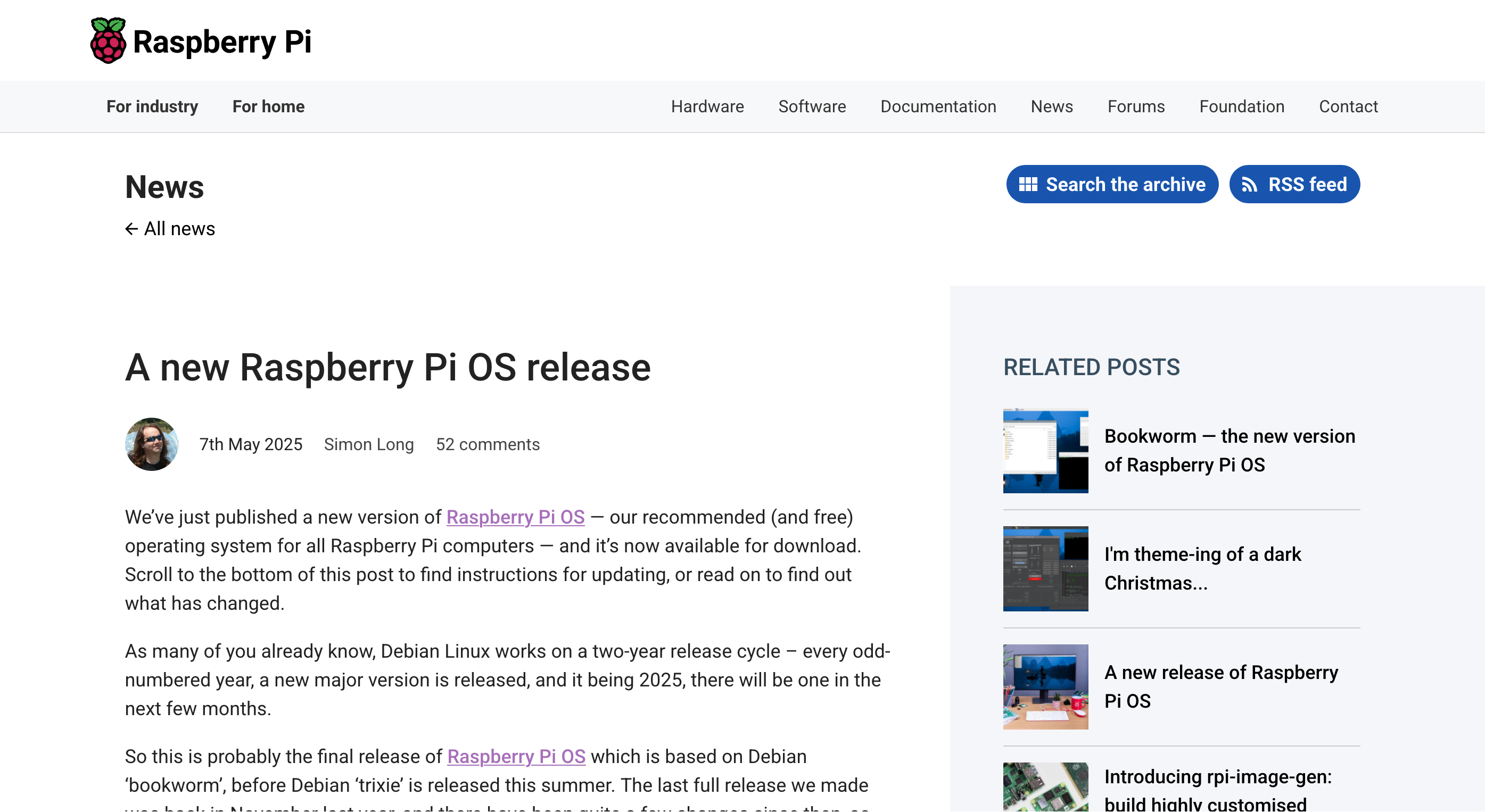
スクリーンロックのアプリとして、swaylockがデフォルトに。でも、パスワード入力だけ出ているのかな? それはわかりにくい。いらんかな... 使うときにはオフにしよう。
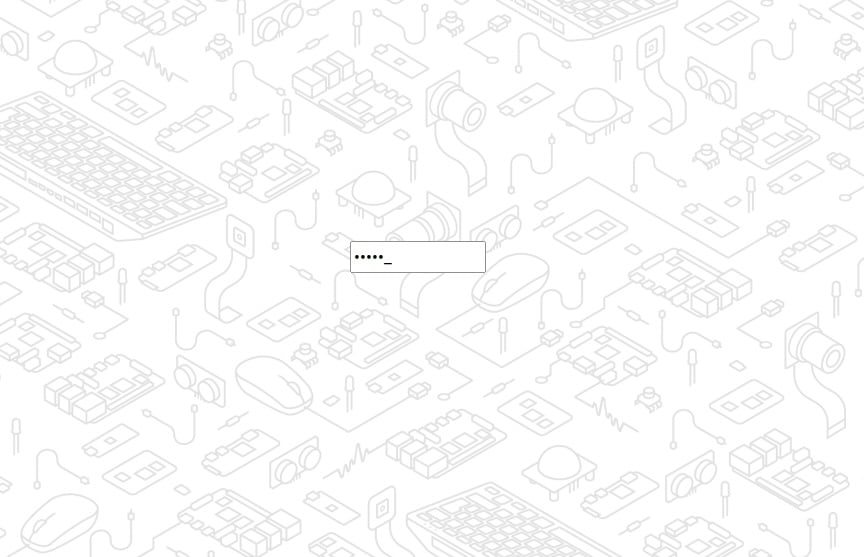
スクリーンロックが導入されたので、Fキーを使ったコンソール表示(Ctrl + Alt + F1などでシェルに抜ける)について、自動ログインの設定を個別に設定できるようになった。設定は、raspi-config および「Raspberry Pi 設定」画面から。デフォルトはどうなっているのかな?
プリンタ管理アプリケーションが刷新された。UIがわかりにくいのでsystem-config-printerは廃止されて、GNOMEコントロールセンターのプリンタプラグインを独立アプリとして移植。
タッチスクリーンの改善。Waylandではタッチ対応がまだ完全でなく、特にダブルタップによるクリックが使えない制限があった。「マウスエミュレーション」で対応していたが、その結果、スワイプなどの本来のタッチ機能が無効化されてしまう問題が残っていた。
今回のリリースでは、「マウスエミュレーション」と「ネイティブタッチ動作」のどちらかを選択できるようになった。設定は「画面設定」の「タッチスクリーン」サブメニューから。
Wayland用ウィンドウマネージャlabwcが0.8.1にアップデート。安定性優先の対応。また、タスクバーアプリwf-panel-piの起動が高速化。
zenityに代わる高速軽量ツールzenotyを自作導入し、起動高速化を実現。これが一番メリット大きいかな。数秒は早くなるそう。でも、数秒か...
その他詳細はこちら。
https://downloads.raspberrypi.com/raspios_armhf/release_notes.txt
2025-05-06:
* New mouse and keyboard settings application, rasputin, to replace lxinput
* New printer application, rpinters, to replace system-config-printer
* Added swaylock screen lock application for labwc - use ctrl-alt-L to lock, or access via new option in Shutdown Options
* Added separate settings for console and desktop autologin to raspi-config and Raspberry Pi Configuration
* New command-line password prompt application, sudopwd, to replace zenity password prompts
* New command-line dialog tool, zenoty, to replace zenity error, information, warning and question dialogs
* labwc updated to version 0.8.1
* wf-panel-pi startup optimised - now starts much faster
* Network manager plugin updated from latest upstream code
* Busy indication (watch cursor) added to first boot wizard
* uBlock Origin Lite now installed by default in Chromium, as it is no longer possible to preinstall uBlock Origin
* Added compatibility with recent kernel to GPU plugin and task manager
* Added more default touchscreen associations
* Added ability to select mouse emulation or multitouch mode for touchscreens in Screen Configuration
* Added ability to set monitor on which squeekboard on-screen keyboard is shown in Raspberry Pi Configuration
* Plugins for lxpanel and wf-panel-pi restructured to build from shared projects for each, to reduce any divergence between them
* Apperance Settings and Raspberry Pi Configuration reviewed - various minor inconsistencies between X and Wayland addressed
* HackSpace removed from Bookshelf application
* Bug fix - correctly position panel menus on secondary monitor under X
* Bug fix - prevent desktop pictures overflowing bounds of monitors
* Bug fix - squeekboard not starting unless a specific monitor had been set for it
* Bug fix - some application icons, including Chromium web apps, were incorrect on the taskbar
* Bug fix - greeter keyboard layout was being reset on updates
* Bug fix - main menu submenus were not scrollable if they didn't fit the screen
* Bug fix - Connect plugin now more accurately detects when Connect is installed and uninstalled
* Bug fix - modified wfpanelctl to work correctly when called via PackageKit
* Various other minor tweaks and updates
* Chromium updated to 135.0.7049.84
* Firefox updated to 138.0
* Raspberry Pi firmware bc7f439c234e19371115e07b57c366df59cc1bc7
* Linux kernel 6.12.25 - 3dd2c2c507c271d411fab2e82a2b3b7e0b6d3f16
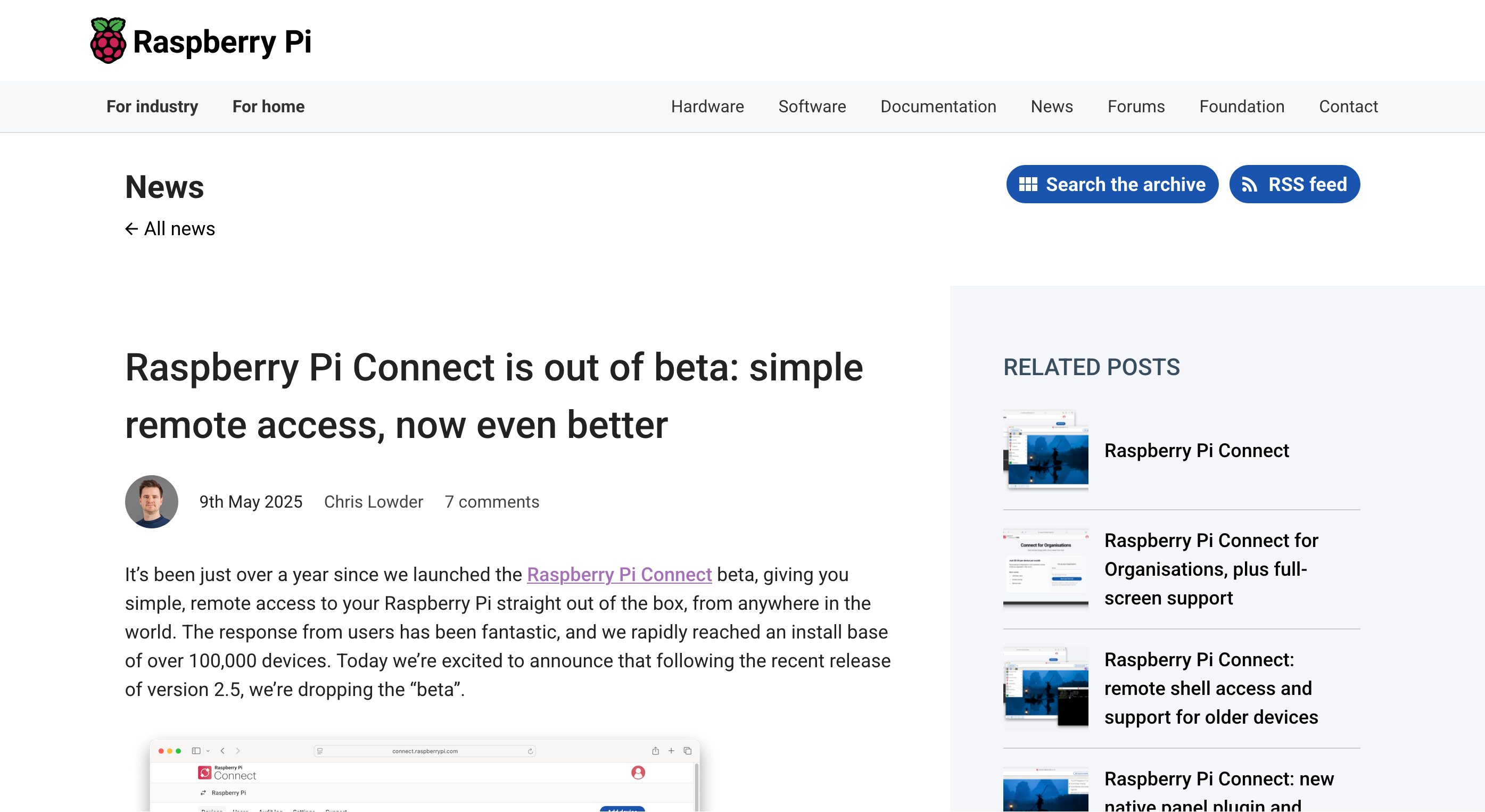
数日後、Raspberry Pi Connectもベータが取れてリリースになっている。
Raspberry Pi Connect is out of beta: simple remote access, now even better - Raspberry Pi
https://www.raspberrypi.com/news/raspberry-pi-connect-is-out-of-beta-simple-remote-access-now-even-better/
有料化したらやだな...
オリジナル投稿:
RaspiOSがアップデートした|kinneko|pixivFANBOX
https://kinneko.fanbox.cc/posts/9868776