

いいかげんに、LLMモジュールの普通の使い方というのもマスターしておくかということで、M5Stick C Plus2と接続してみることにした(それは普通じゃないw)。正方形のM5Stack本体シリーズは買わないポリシーなのでな。

こういうこともあろうかと、オーダーしておいて年末に届いていて、ずっと開封していなかった秘密兵器を開ける。
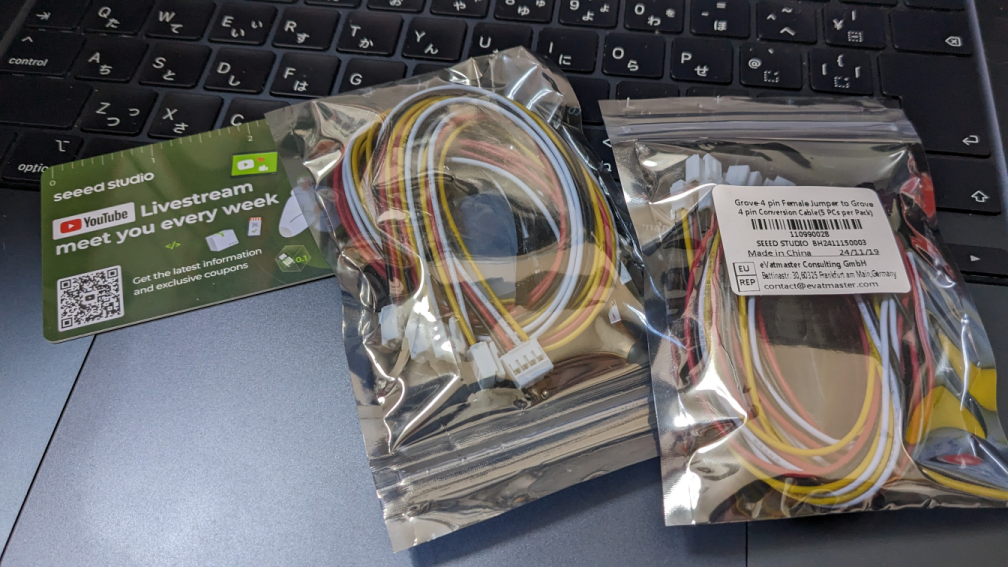
Seeed製品買ったの久しぶりかも。Grobeとデュポンコネクタの変換ケーブル的なやつ。
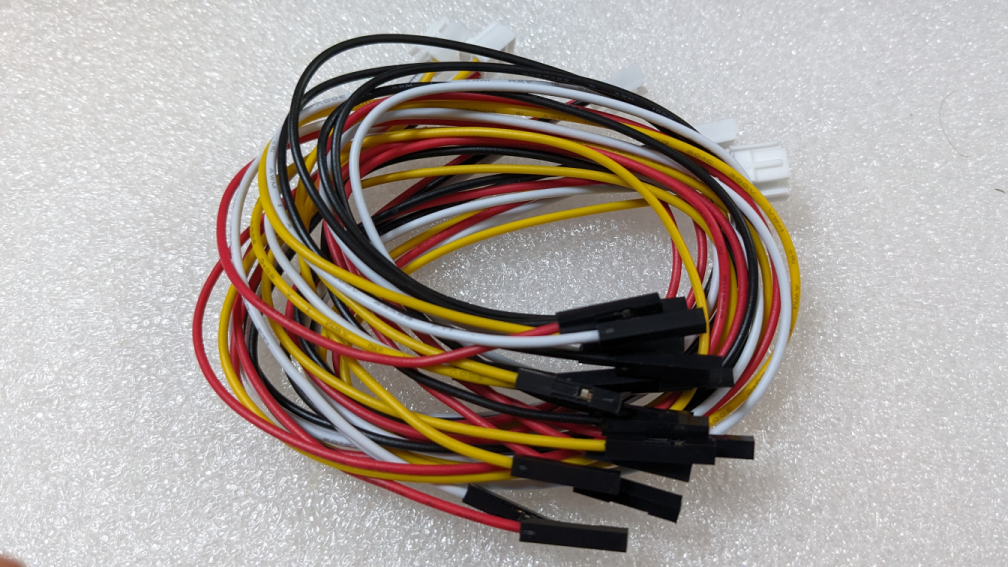
ただね、このデュポンのカバー付いていると、M5Stack純正のピンは背が低すぎて接触もしないわけだ。スッカスカ。
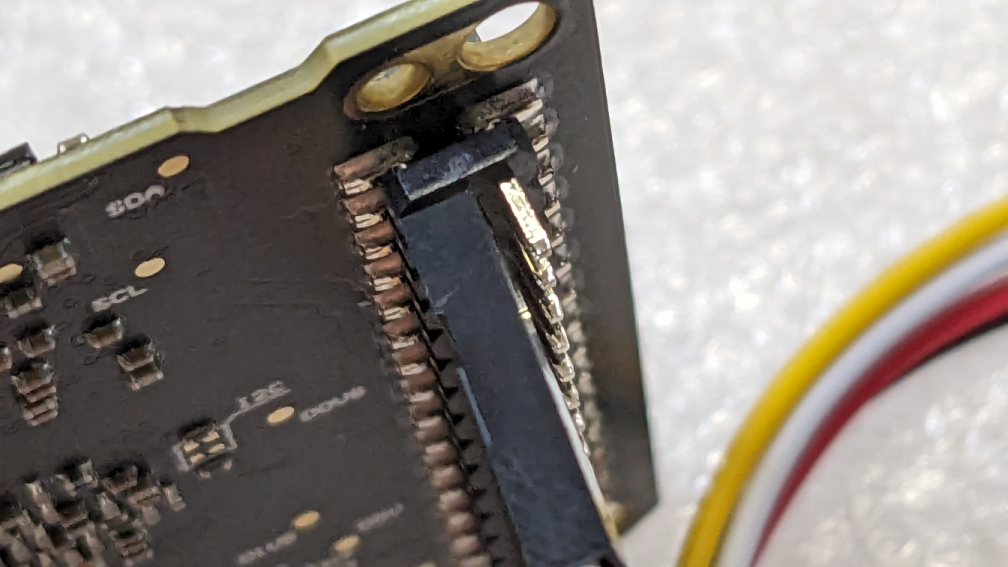
なので、裸にむく。
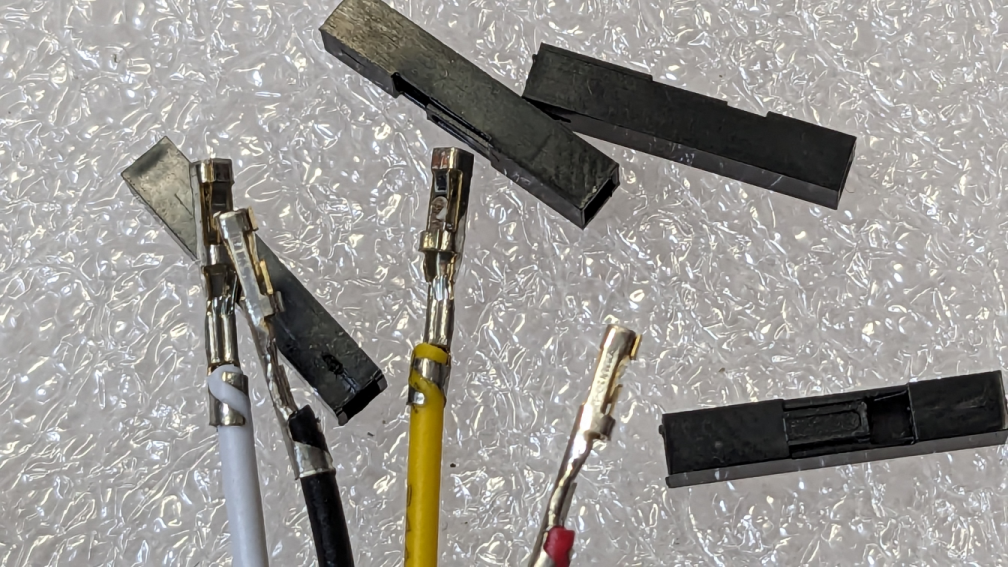
すると、ギリギリ抜けない程度には刺さる。熱収縮チューブでもかけておきたいところだけど、手間は惜しむ。
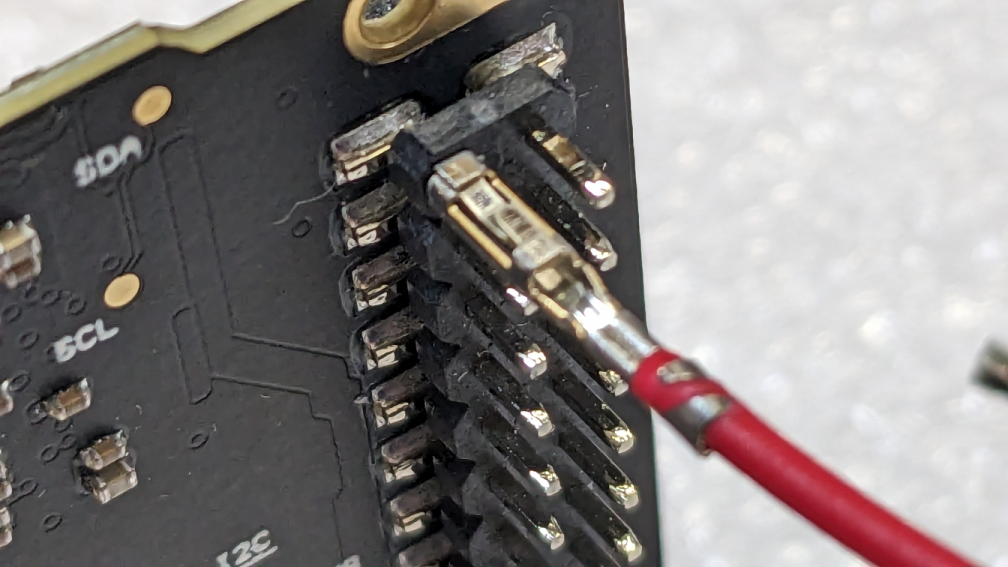
電源とGNDとシリアルしか出ていないらしい。ピンの無駄... 赤は5V、黒はGND。あとはシリアル下から8つ目の横並び。
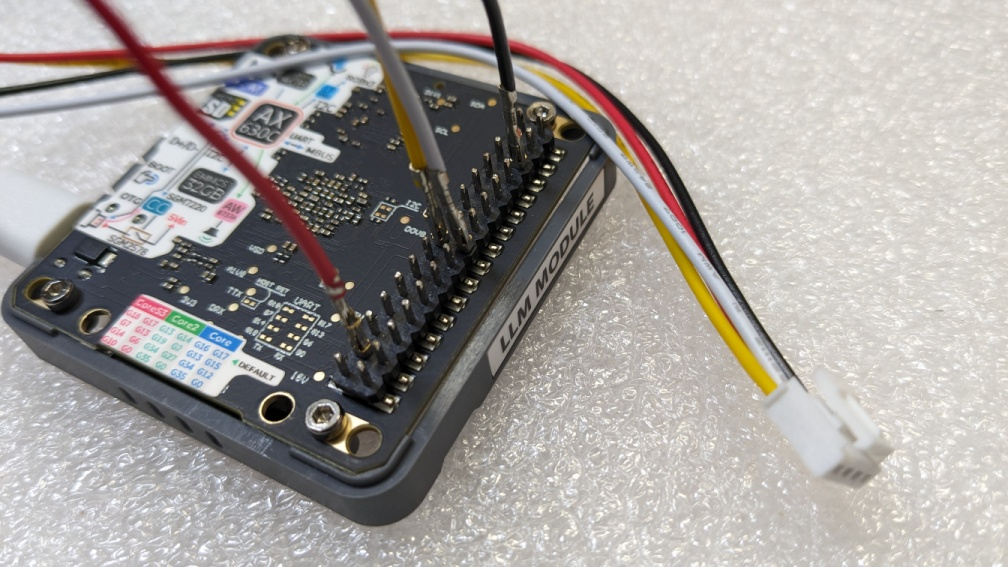
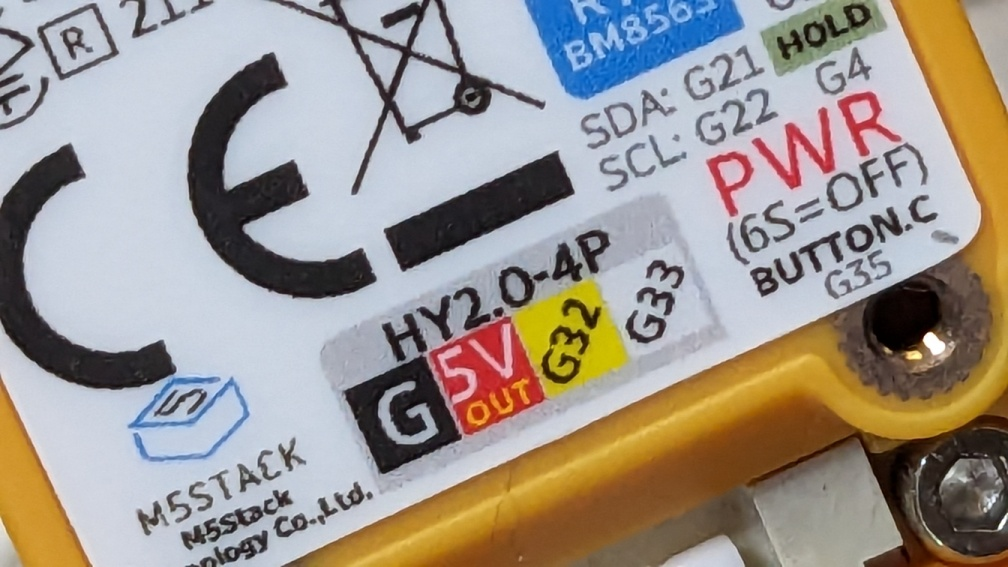
CPlus2のGroveコネクタは、G32,33という感じ。どっちもGPIOだけど、シリアルとしても使うことができる。
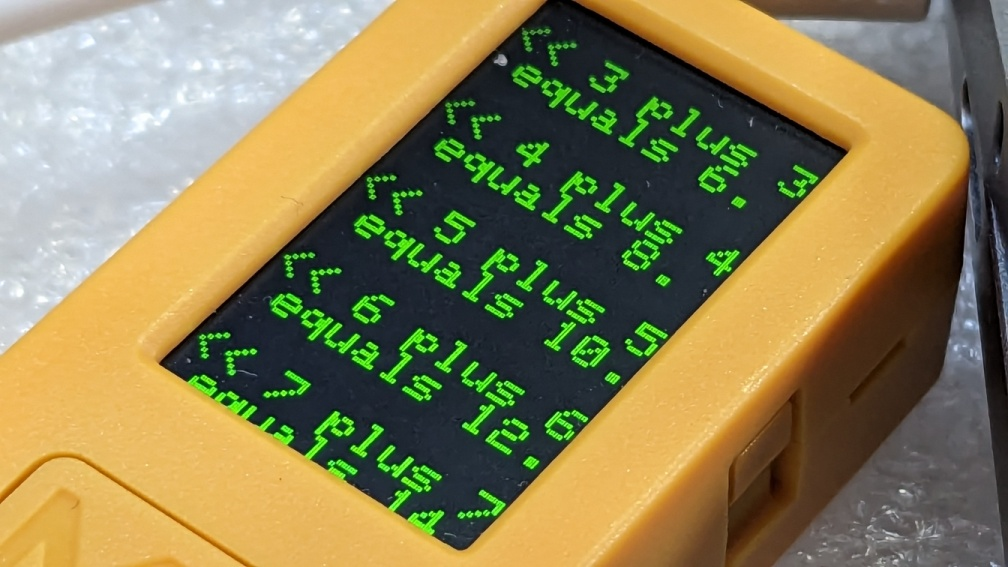
Arduinoについているサンプルスケッチは、あんまり高機能ではない感じ。KWS_ASRとTTSを試した。TTSは足し算をえんえん声に出すやつだった。
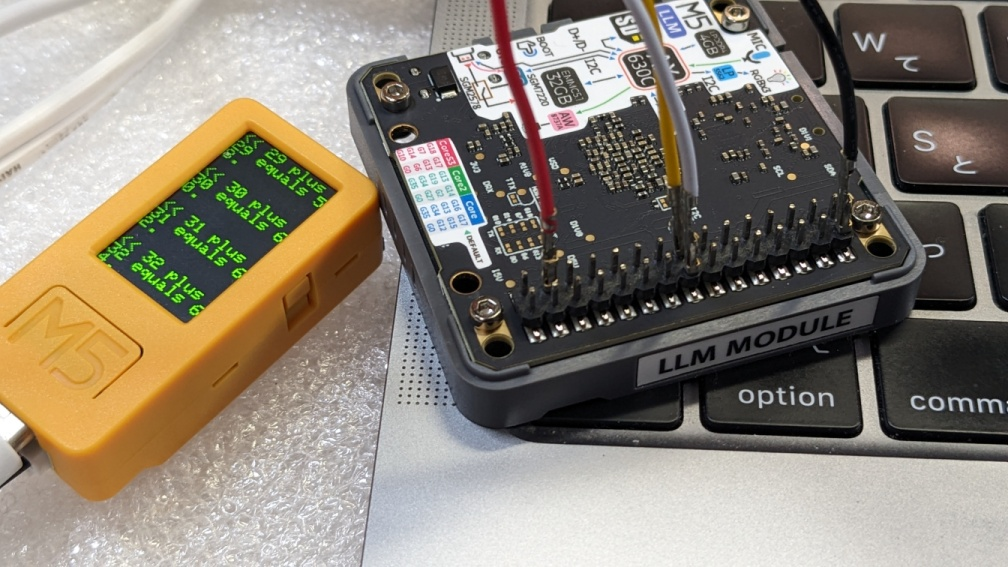
KSW_ASRのほうは、なんか反応が鈍いし、最終的に発話まで至らない感じが。
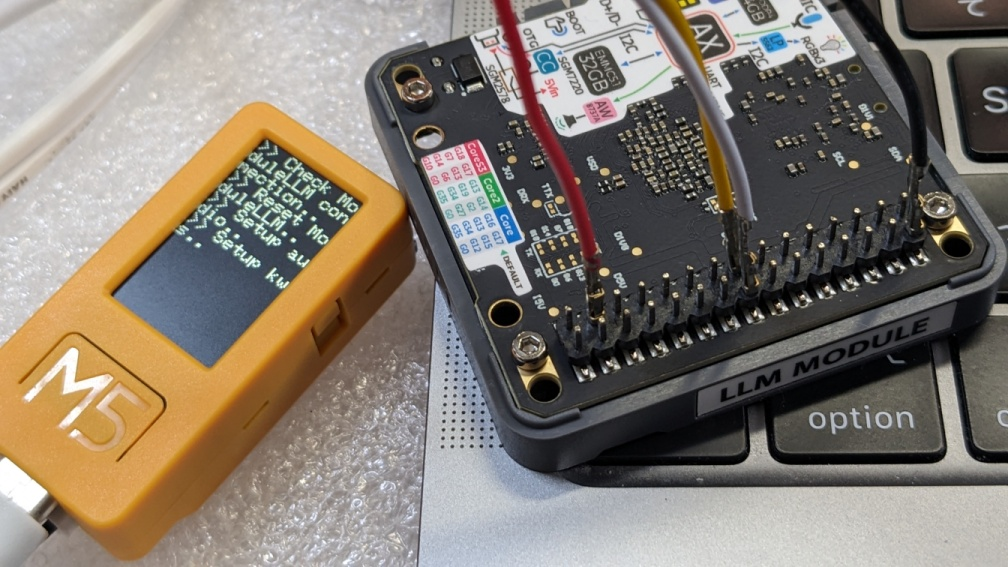
APIガイドにあるVoiceAssistant ClassのデモスケッチをCPlus2用に少し改変する。ボタンでLLMモジュールのリセットできるようにして、CPlus2のシリアルと接続するようにした。
M5Module-LLM Arduino API
https://docs.m5stack.com/ja/guide/llm/llm/arduino_api
/*
 * SPDX-FileCopyrightText: 2024 M5Stack Technology CO LTD
 *
 * SPDX-License-Identifier: MIT
 */
#include <Arduino.h>
#include <M5Unified.h>
#include <M5ModuleLLM.h>
M5ModuleLLM module_llm;
M5ModuleLLM_VoiceAssistant voice_assistant(&module_llm);
/* On ASR data callback */
void on_asr_data_input(String data, bool isFinish, int index)
{
    M5.Display.setTextColor(TFT_GREEN, TFT_BLACK);
    M5.Display.printf(">> %s\n", data.c_str());
    /* If ASR data is finished */
    if (isFinish) {
        M5.Display.setTextColor(TFT_YELLOW, TFT_BLACK);
        M5.Display.print(">> ");
    }
};
/* On LLM data callback */
void on_llm_data_input(String data, bool isFinish, int index)
{
    M5.Display.print(data);
    /* If LLM data is finished */
    if (isFinish) {
        M5.Display.print("\n");
    }
};
void setup()
{
    M5.begin();
    M5.Display.setTextSize(2);
    M5.Display.setTextScroll(true);
    /* Initialize module serial port */
    Serial2.begin(115200, SERIAL_8N1, 32, 33);     // CPlus2
    /* Initialize module */
    module_llm.begin(&Serial2);
    /* Ensure module is connected */
    M5.Display.printf(">> Check ModuleLLM connection..\n");
    while (1) {
        if (module_llm.checkConnection()) {
            break;
        }
    }
    /* Begin voice assistant preset */
    M5.Display.printf(">> Begin voice assistant..\n");
    int ret = voice_assistant.begin("HELLO");
    if (ret != MODULE_LLM_OK) {
        while (1) {
            M5.Display.setTextColor(TFT_RED);
            M5.Display.printf(">> Begin voice assistant failed\n");
        }
    }
    /* Register on ASR data callback function */
    voice_assistant.onAsrDataInput(on_asr_data_input);
    /* Register on LLM data callback function */
    voice_assistant.onLlmDataInput(on_llm_data_input);
    M5.Display.printf(">> Voice assistant ready\n");
}
void loop()
{
    M5.update(); // ボタン状態を更新
    /* Keep voice assistant preset updated */
    voice_assistant.update();
    // send reset to LLM Module
    if (M5.BtnA.wasPressed()) {
        String resetMessage = "{\"request_id\": \"1\",\"work_id\": \"sys\",\"action\": \"reboot\"}\n";
        Serial2.println(resetMessage);
        M5.Display.setTextColor(TFT_RED);
        M5.Display.printf(">> Reset command sent\n");
        delay(1000);
        esp_restart();
    }
}
ハローの発音がマズいのか、ちっとも拾ってくれない。Google翻訳アプリのハローは、100%認識される。なんでだー
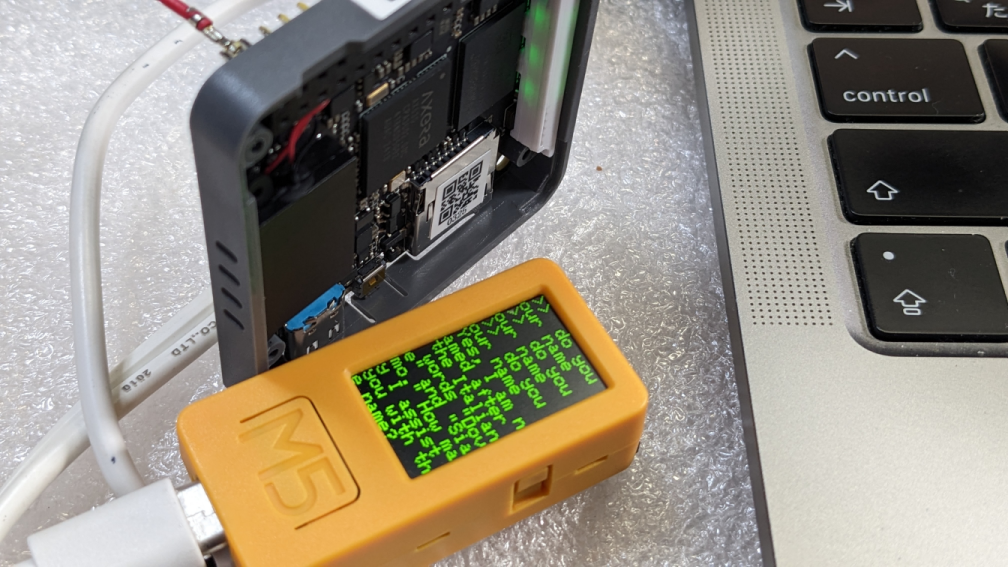
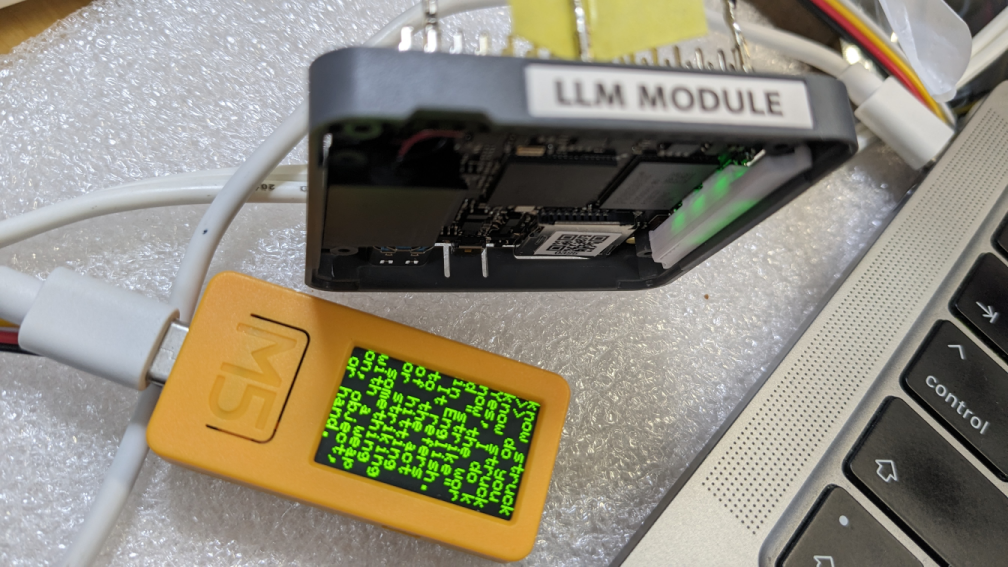
英語と中国語を書き換えで対応することができるけど、日本語はできない。日本語知ってるか聞くと、英語モードでも中国語で答える。
たぶん、最初から普通に使い始めていたら、たぶん、こんなにリソース突っ込んだりしなかっただろうな... Linuxで使わないと意味がないよw

100円投げ銭 https://kinneko.booth.pm/items/1963720
オリジナル投稿:
LLM Moduleを普通に使う|kinneko|pixivFANBOX
https://kinneko.fanbox.cc/posts/9376067