


名前はよく出てくるので、さわってみないといけないかなとは思ってはいたけど、SQLiteでよくないか?という疑問もあり手が出ていなかった。
浜松でwasmでも使えると知って、面白いなと思ったので試す。
本家はこちら。ライセンスはMITなので使いやすい。
DuckDB – An in-process SQL OLAP database management system
https://duckdb.org/
macOSへのインストールはbrewで一発のようだ。一瞬で終わるね。
% brew install duckdb
==> Downloading https://ghcr.io/v2/homebrew/core/duckdb/manifests/1.1.3
######################################################################### 100.0%
==> Fetching duckdb
==> Downloading https://ghcr.io/v2/homebrew/core/duckdb/blobs/sha256:e64f1b902ef
######################################################################### 100.0%
==> Pouring duckdb--1.1.3.arm64_sonoma.bottle.tar.gz
🍺 /opt/homebrew/Cellar/duckdb/1.1.3: 1,181 files, 150.8MB
==> Running brew cleanup duckdb...
Disable this behaviour by setting HOMEBREW_NO_INSTALL_CLEANUP.
Hide these hints with HOMEBREW_NO_ENV_HINTS (see man brew).
duckdbは、オプションのハイフンは1つという流儀らしい。
% duckdb --help
Usage: duckdb [OPTIONS] FILENAME [SQL]
FILENAME is the name of an DuckDB database. A new database is created
if the file does not previously exist.
OPTIONS include:
-append append the database to the end of the file
-ascii set output mode to 'ascii'
-bail stop after hitting an error
-batch force batch I/O
-box set output mode to 'box'
-column set output mode to 'column'
-cmd COMMAND run "COMMAND" before reading stdin
-c COMMAND run "COMMAND" and exit
-csv set output mode to 'csv'
-echo print commands before execution
-init FILENAME read/process named file
-[no]header turn headers on or off
-help show this message
-html set output mode to HTML
-interactive force interactive I/O
-json set output mode to 'json'
-line set output mode to 'line'
-list set output mode to 'list'
-markdown set output mode to 'markdown'
-newline SEP set output row separator. Default: '\n'
-nofollow refuse to open symbolic links to database files
-no-stdin exit after processing options instead of reading stdin
-nullvalue TEXT set text string for NULL values. Default ''
-quote set output mode to 'quote'
-readonly open the database read-only
-s COMMAND run "COMMAND" and exit
-separator SEP set output column separator. Default: '|'
-stats print memory stats before each finalize
-table set output mode to 'table'
-unredacted allow printing unredacted secrets
-unsigned allow loading of unsigned extensions
-version show DuckDB version
インストールされたバージョンを確認する。
% duckdb -version
v1.1.3 19864453f7
テストに使うのに、郵便番号のCSVデータをもらってくる。
住所の郵便番号(1レコード1行、UTF-8形式)(CSV形式) - 日本郵便
https://www.post.japanpost.jp/zipcode/dl/utf-zip.html
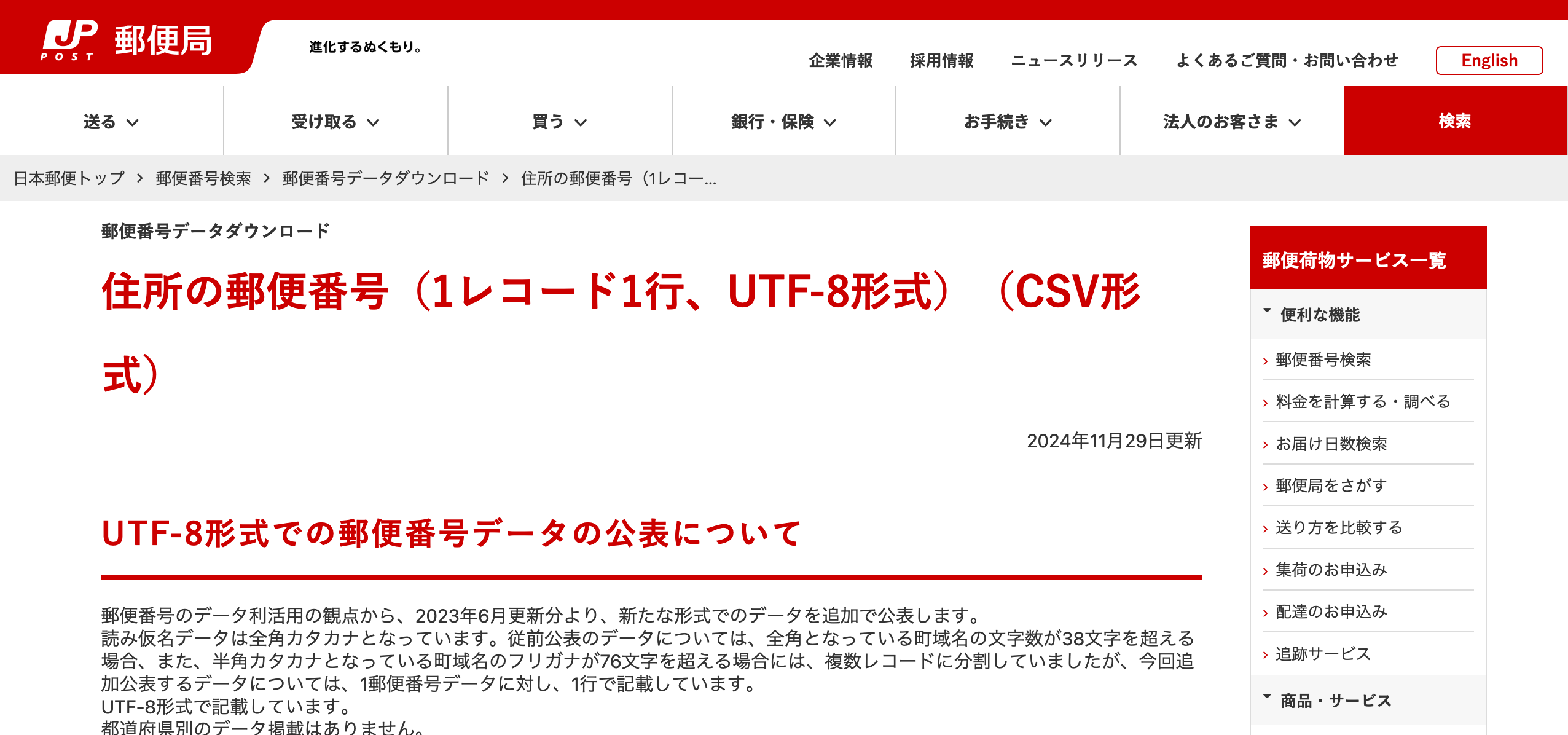
utf_ken_all.zipを展開すると、utf_ken_all.csvが出てくる。18.3MBであまり大きくはない。レコードは124kくらい。
% wc ~/Downloads/utf_ken_all.csv
124436 245076 18348206 /Users/y.date/Downloads/utf_ken_all.csv
コマンドから対話的に使ってみる。起動する。Dがプロンプトっぽい。
% duckdb
v1.1.3 19864453f7
Enter ".help" for usage hints.
Connected to a transient in-memory database.
Use ".open FILENAME" to reopen on a persistent database.
D
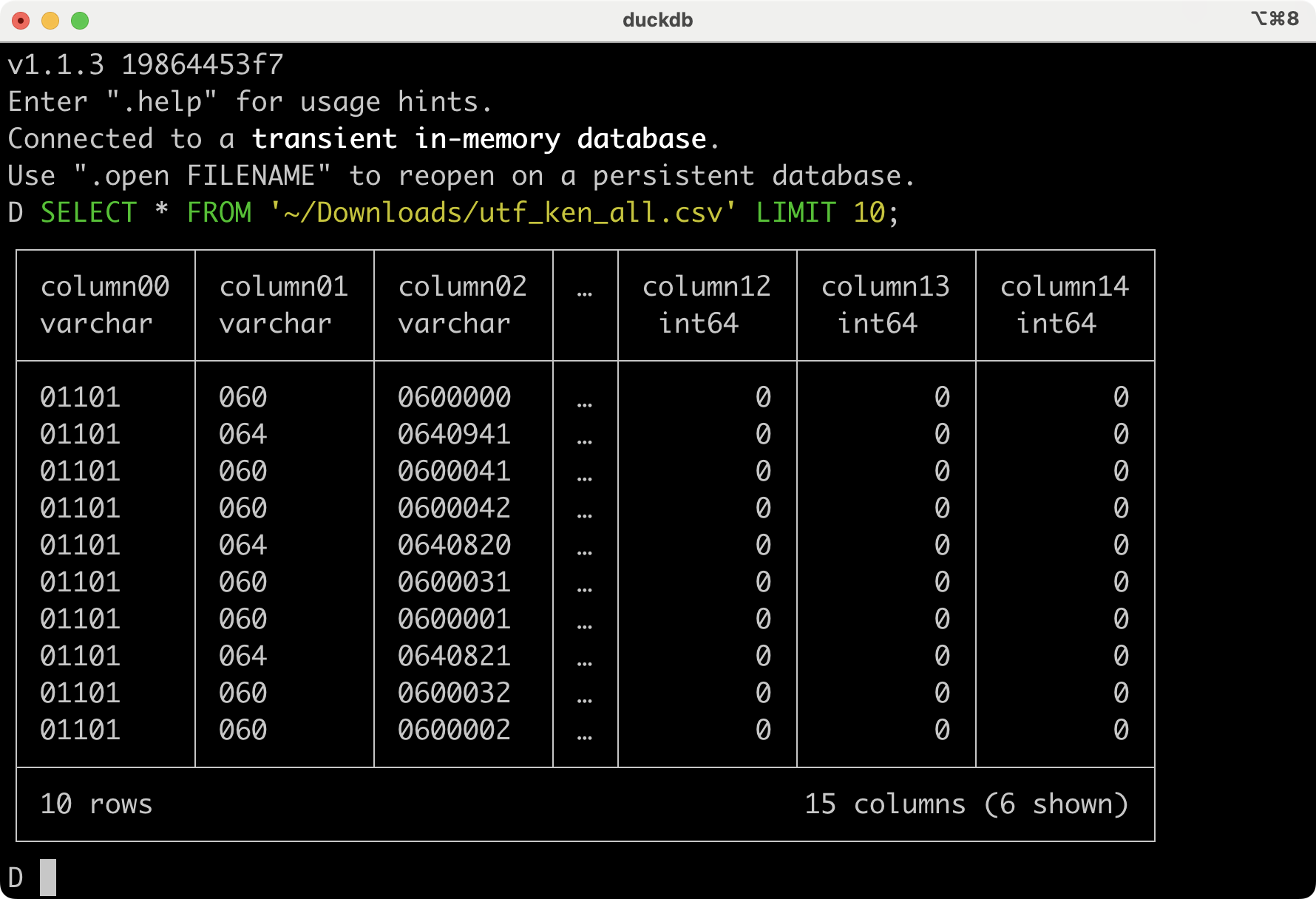
郵便番号リストを読み込んでみる。そっか、実行ごとに都度ファイルを読む感じか... パスの展開は内蔵している。
D SELECT * FROM '~/Downloads/utf_ken_all.csv' LIMIT 10;
オプションは対話ではなく、直接渡すこともできる。シェルスクリプトからも使えるね。
% duckdb -c 'SELECT * FROM read_csv_auto('utf_ken_all.csv') LIMIT 1;'
石川県の市町村を調べる。
D SELECT DISTINCT column07 AS 市区町村
FROM 'utf_ken_all.csv'
WHERE column03 LIKE '%イシカワケン%';
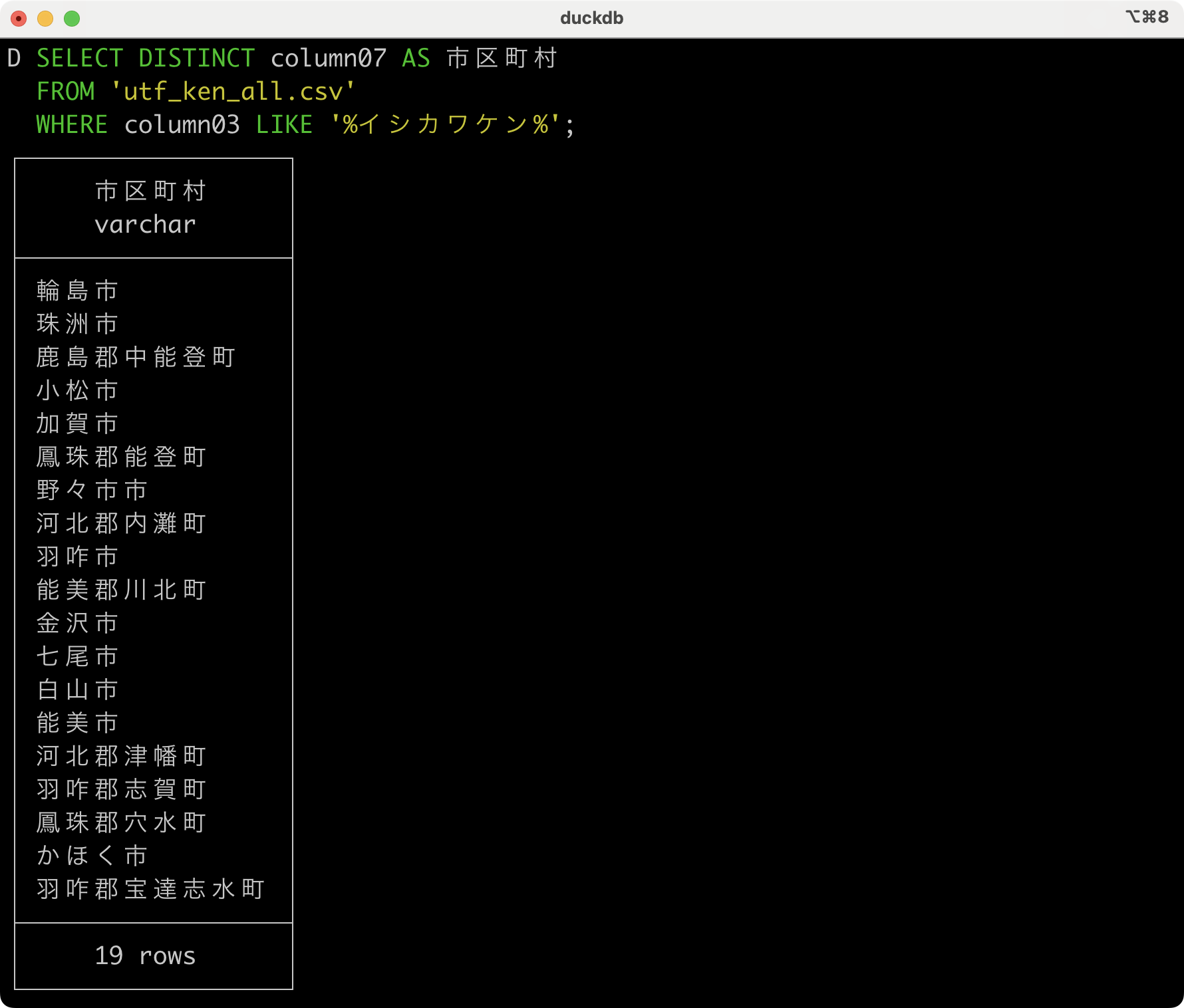
こっちのがいいかw
D SELECT DISTINCT column07 AS 市区町村
FROM 'utf_ken_all.csv'
WHERE column06 LIKE '%石川県%';
なんか、クレデンシャルを与えてS3とかからも直接データをロードできるようだ。それは使えそうね。そのうちやってみるか。
オリジナル投稿:
DuckDB入れてみただけ|kinneko|pixivFANBOX
https://kinneko.fanbox.cc/posts/9010200
